

Introduction
In this article, we examine the GIGABYTE Z890 AORUS ELITE X ICE. When the Intel Core Ultra series of CPUs was released in late 2024, we reviewed the AORUS ELITE WiFi. Today we will look at what the “X” and “ICE” bring to the table. When you look at GIGABYTE’s Z890 webpage, there are 30 models to choose from, quite a vast array of motherboards. All in all, GIGABYTE sets up the offerings such that the AORUS branding sits in the upper middle and is identified as the gaming board. AORUS MASTER is the top of the line in this grouping, with various ELITE models following closely behind.
Quite honestly, if you do a little research and comparison, the difference between most of the middle- and upper-middle tier boards is very subtle. We will discuss the distinct features of this motherboard in the section below, but overall this is a very feature-rich board that certainly checks off the boxes for both gaming and personal computing. This motherboard is currently for sale at Newegg for $299 on sale (regularly $329.99) and carries a 5-year warranty.
You may also be wondering why we are reviewing an Intel LGA1851 Z890 Chipset motherboard when Nova Lake is right around the corner? Well, actually, there have been good sales on Z890 motherboards this year, and deals are being offered right now. With successes like Intel’s Core Ultra 7 270K Plus (second review here) and Core Ultra 5 250K Plus, this platform is still appealing for many use cases involving multi-thread workloads. With our mind set on the future, it’s sometimes a good idea to see where we’ve been and look at an offering in Intel’s current lineup here at the end of 2026, to see how the state of things is now.



Packaging and Contents
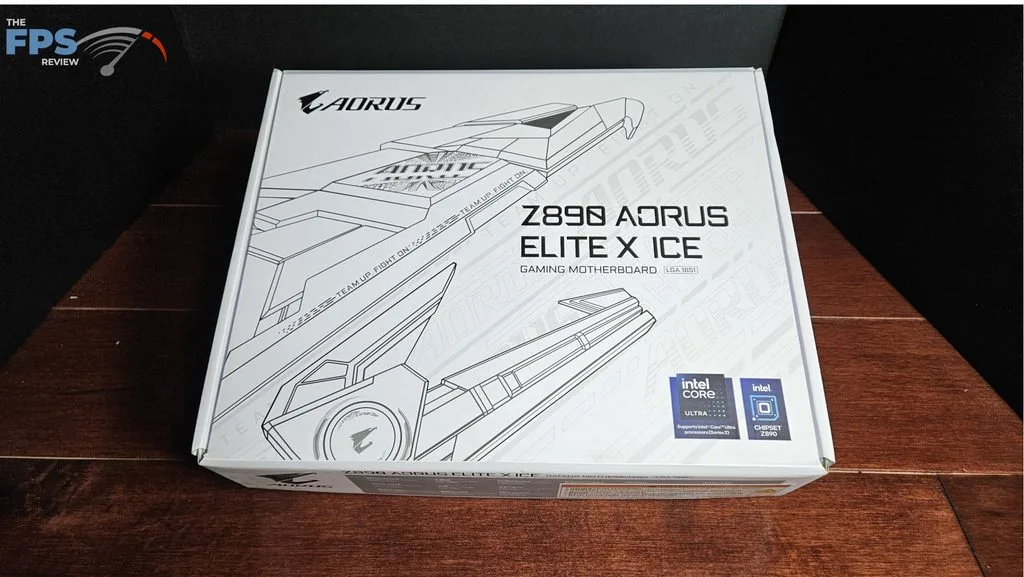
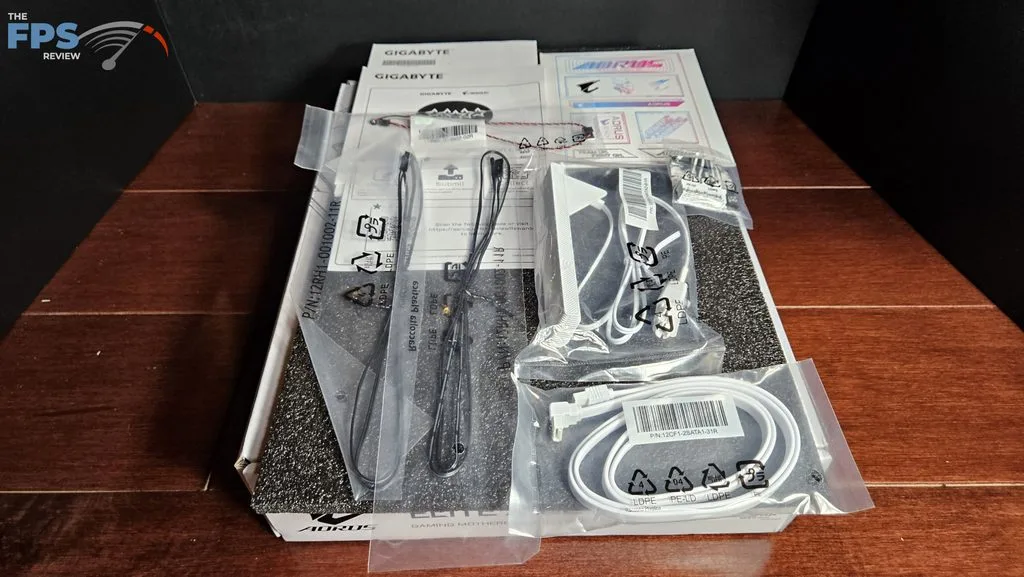
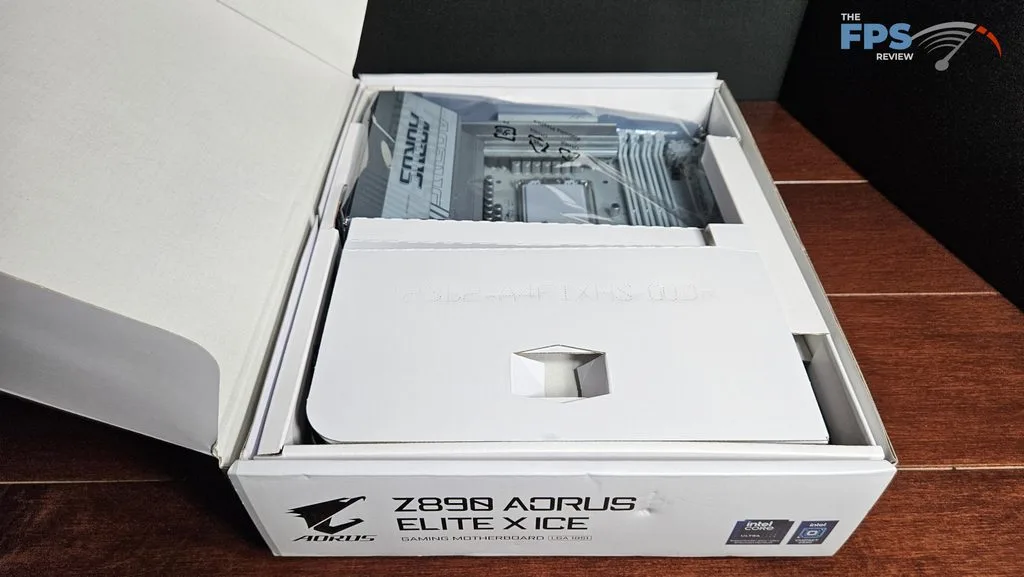
The motherboard was shipped directly from GIGABYTE. This is a full retail package. The package design is what we have come to see lately, the board is surrounded by cardboard inserts and placed in an antistatic bag. All accessories were found beneath the motherboard. These included: booklets, stickers, one SATA cable, two thermistor cables, one acoustic cable, a quick front panel connector and the wifi antenna.
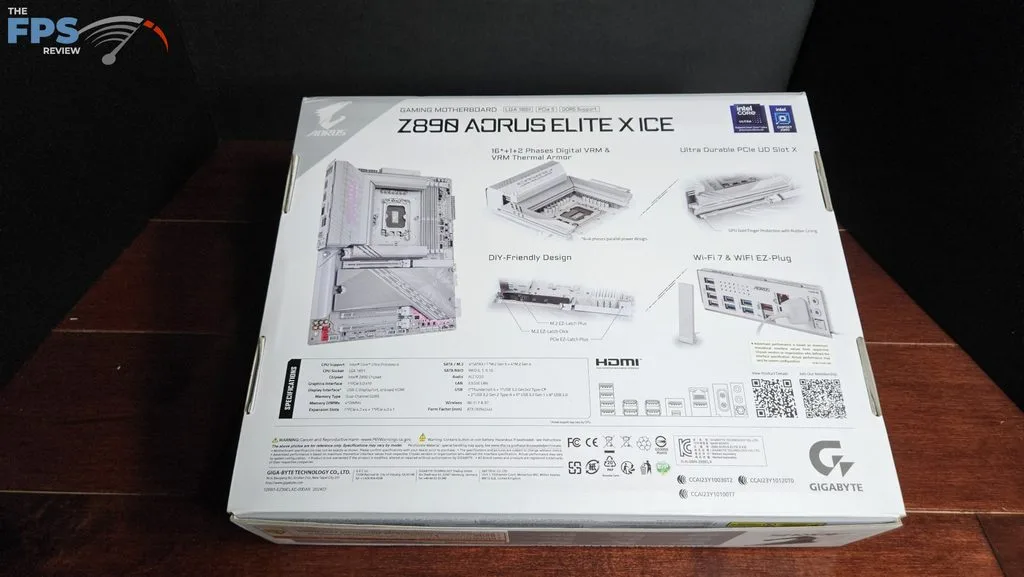
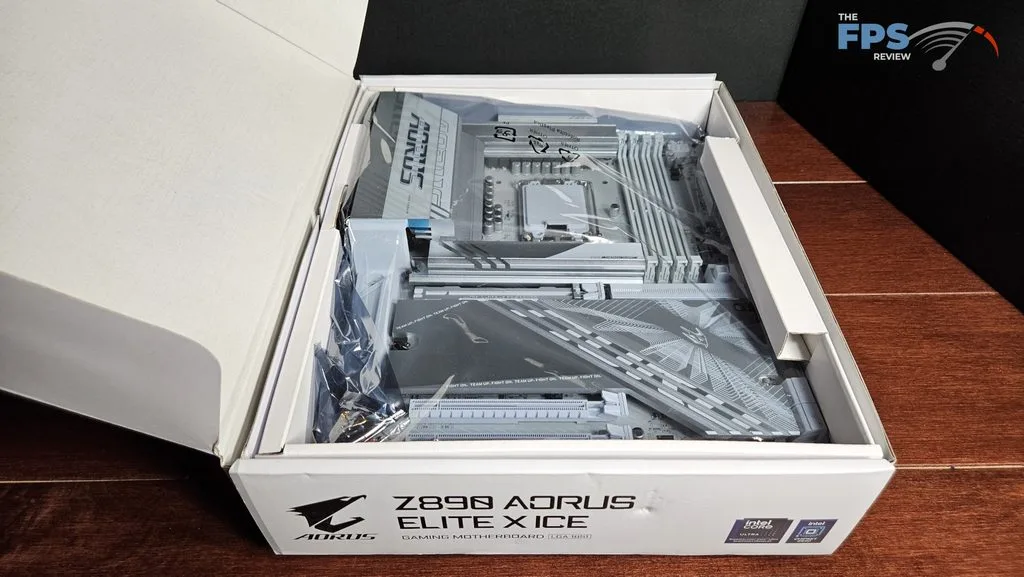
GIGABYTE Z890 AORUS ELITE X ICE Features
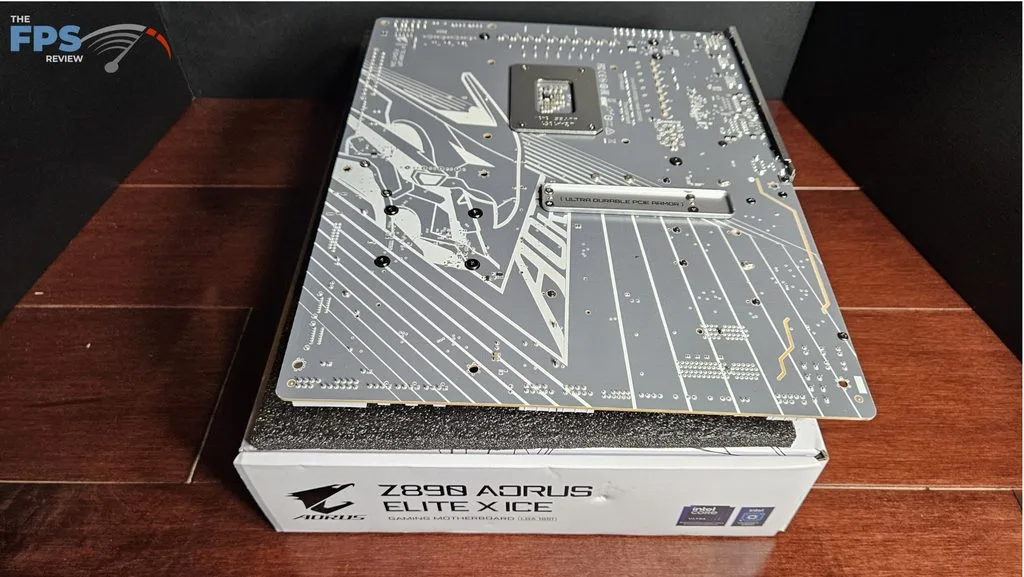
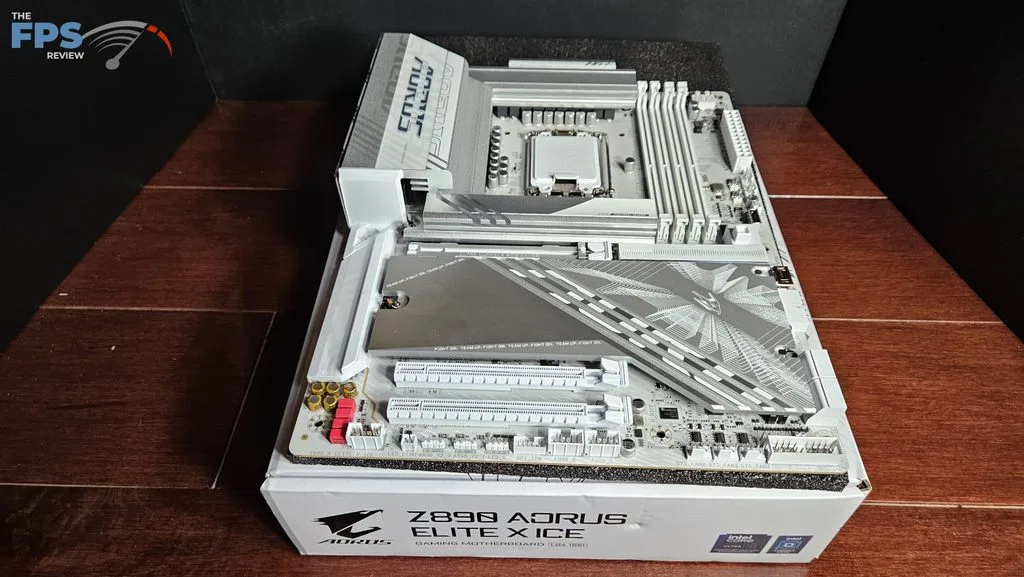
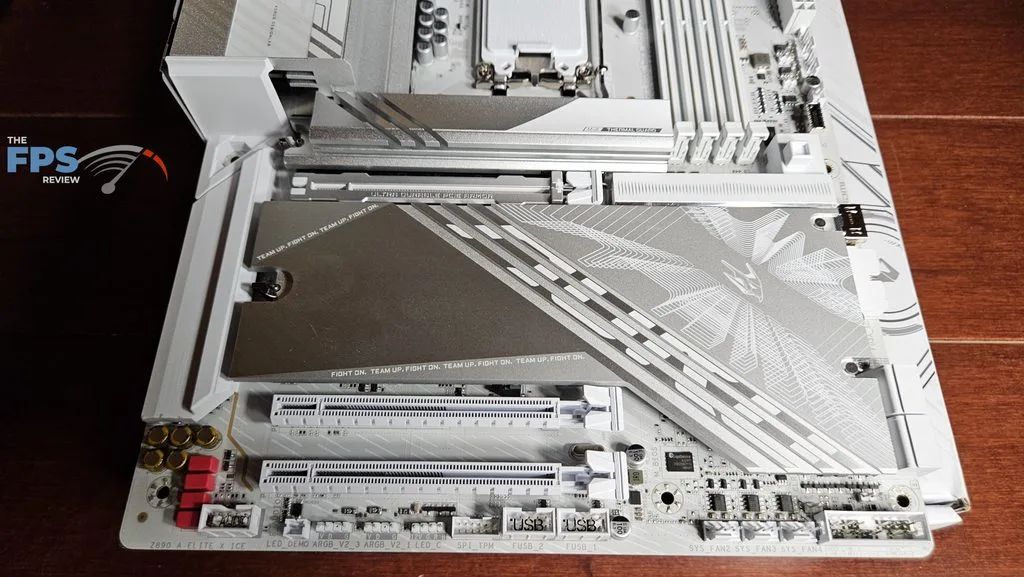
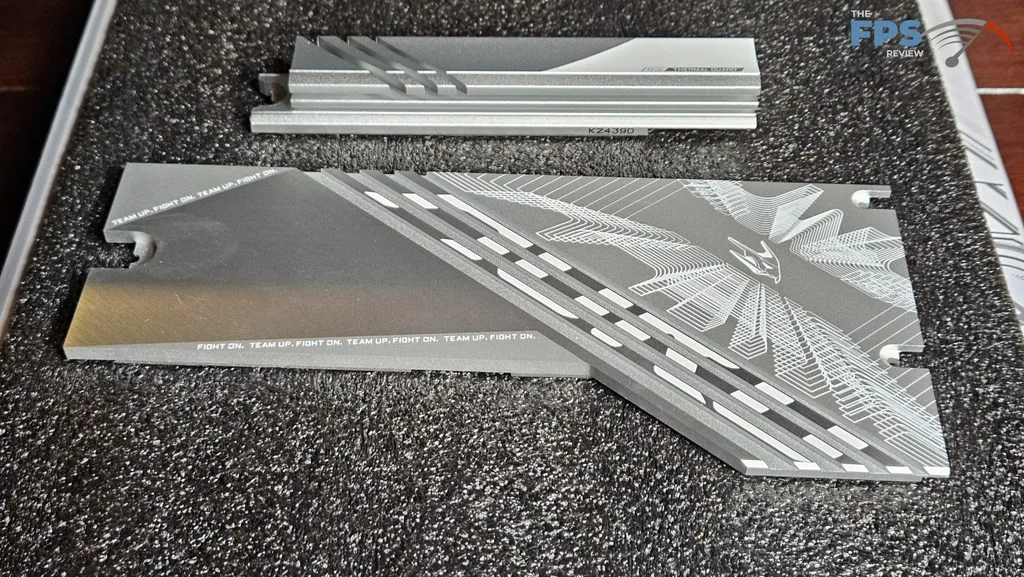
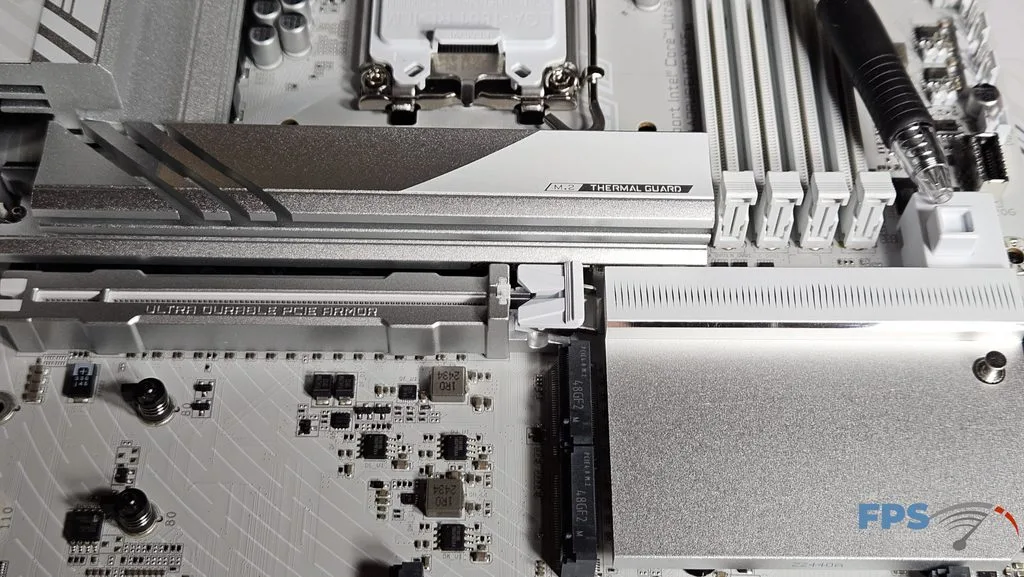
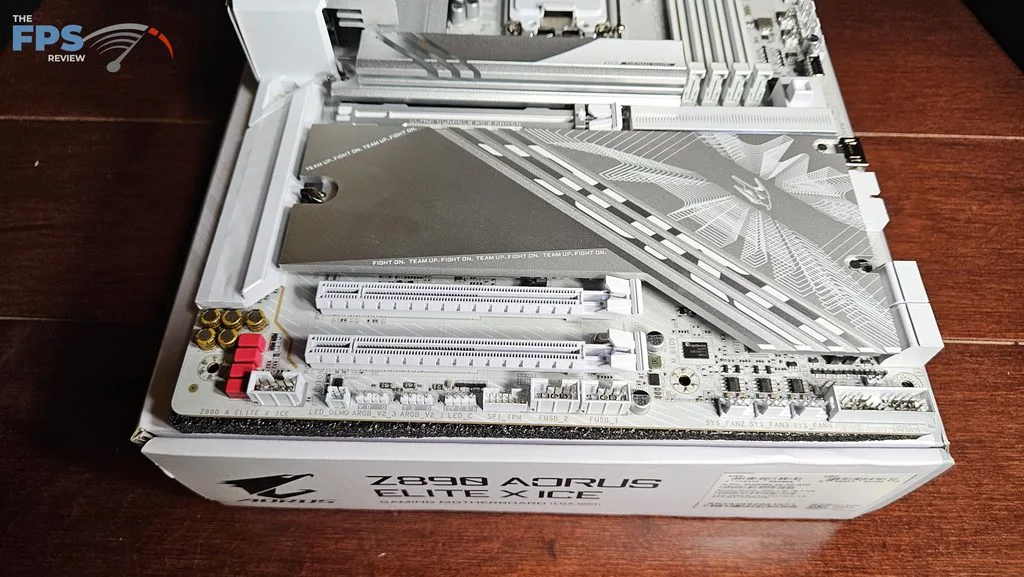
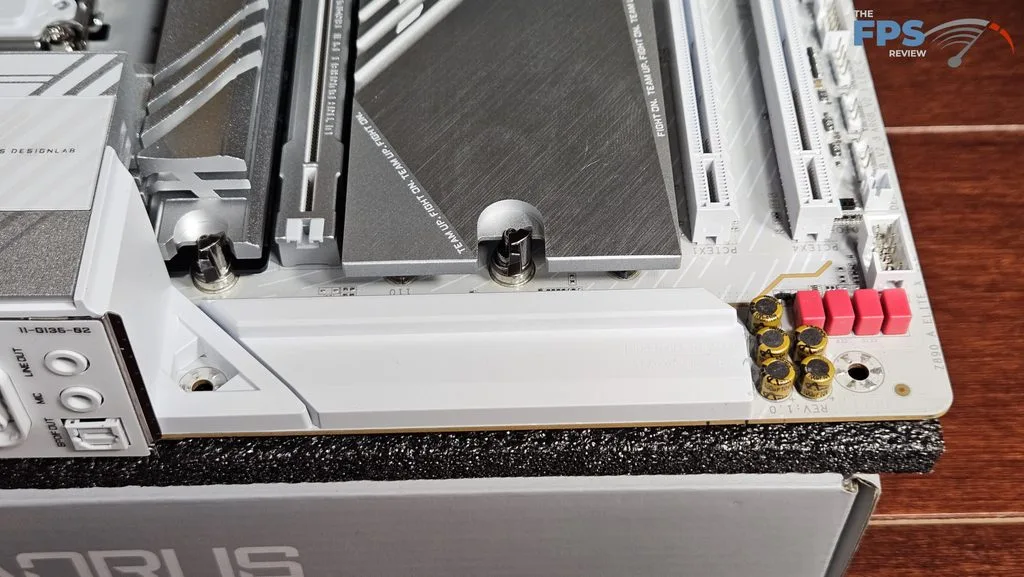
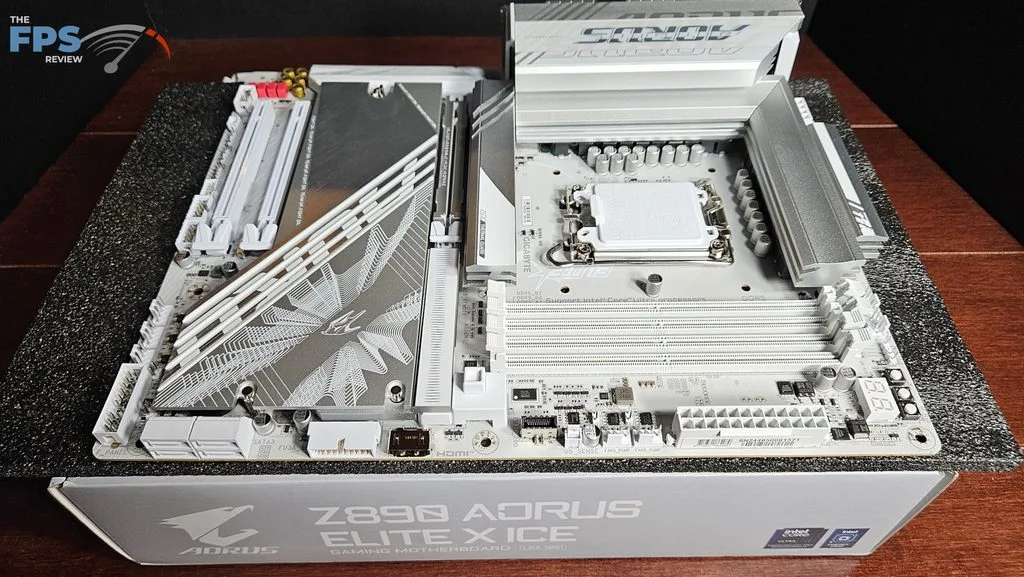
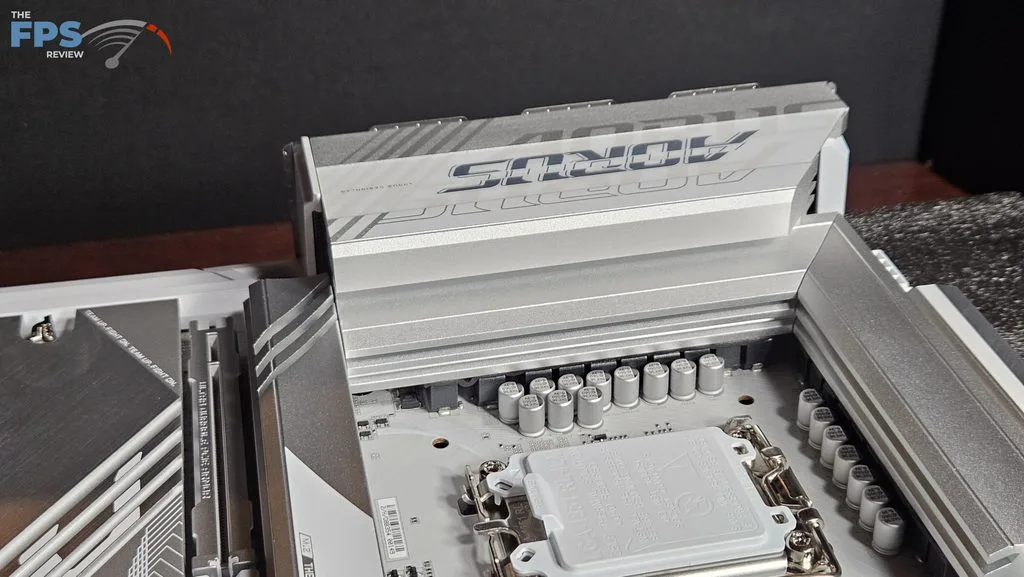
Of course, the glaring distinction right out of the box is the white color of the motherboard. The board is a full ATX form factor, all white with silver accents on the heatsinks. The IO heatsink has the AORUS branding and RGB lighting. There are rather large, heavy heatsinks on the primary M.2 and secondary M.2 slots. The secondary heatsink is quite large and embossed. Both heatsinks are easy to remove with a single latch. The board is heavy, no doubt from the heatsinks and its 8-layer construction. It is very sturdy and looks and feels well constructed. The fit and finish is excellent.
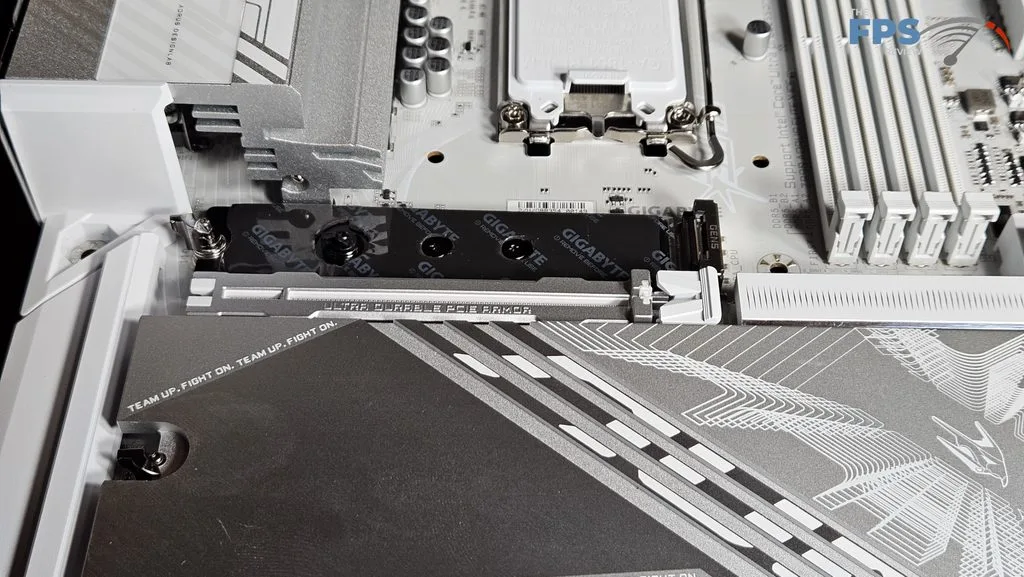
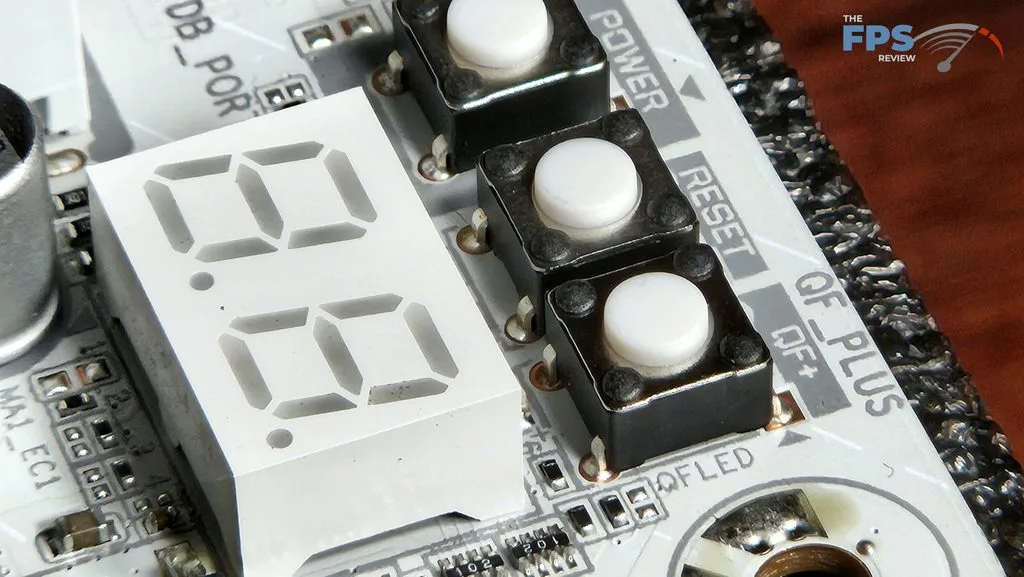
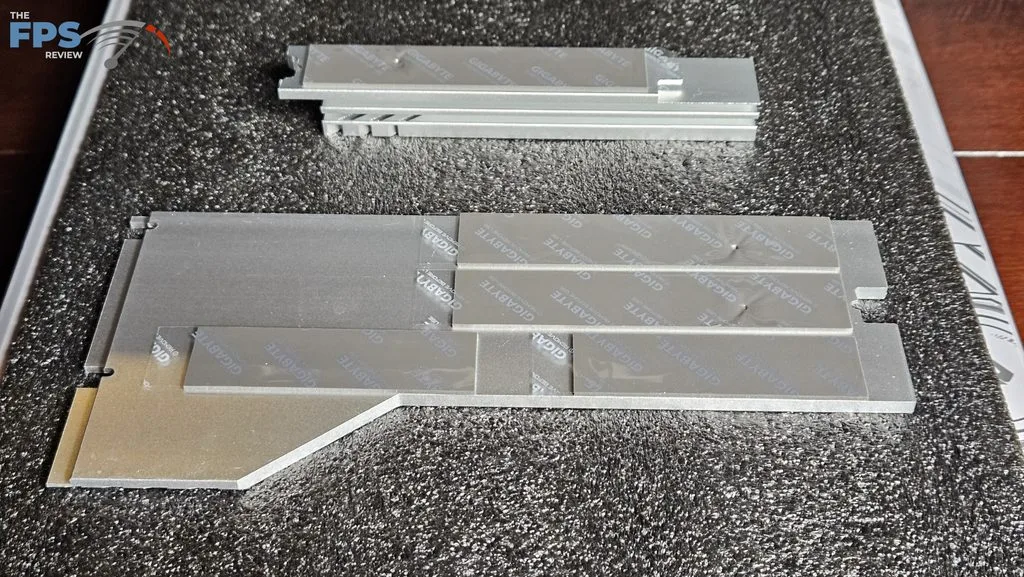
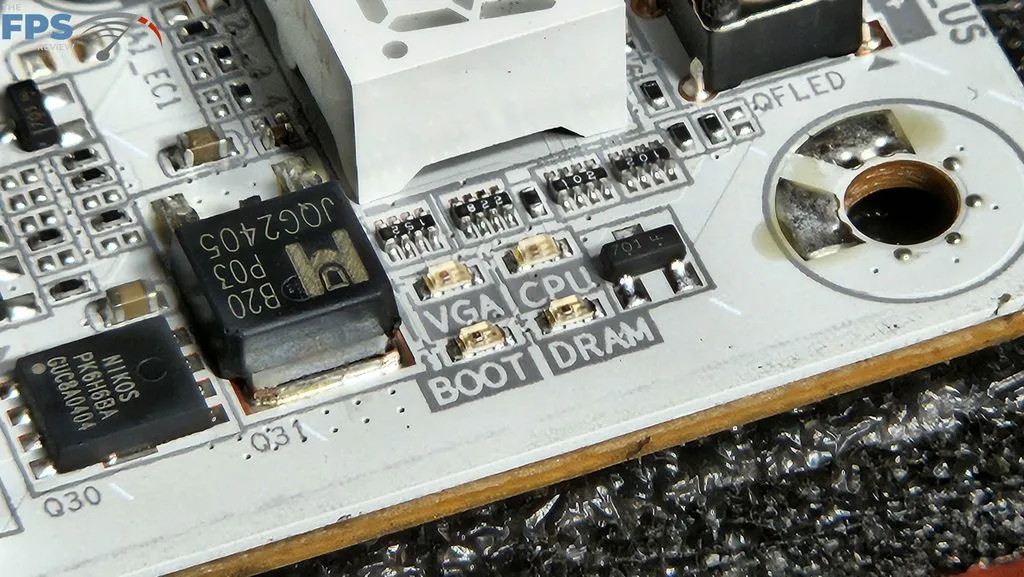
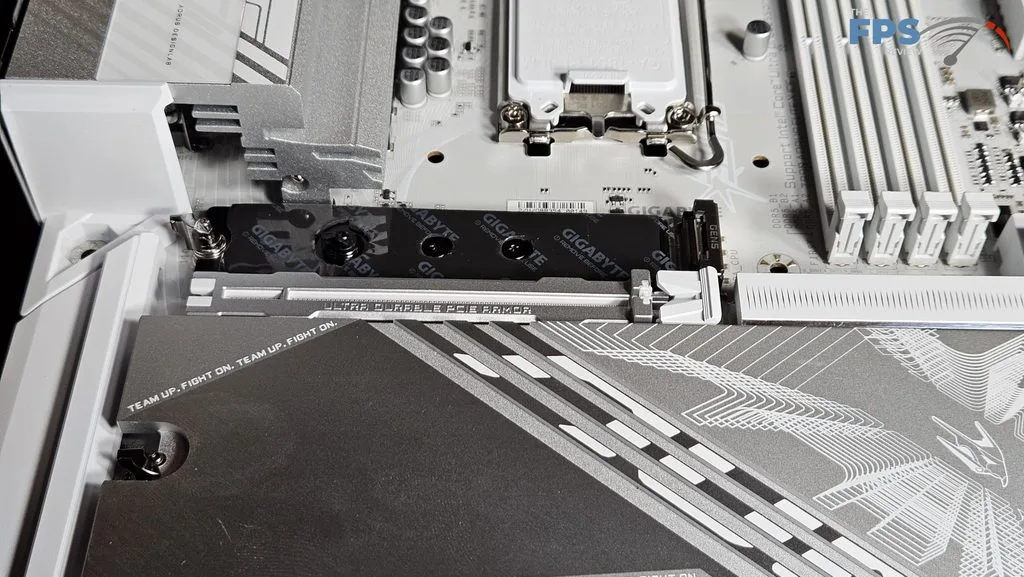
As we said, the M.2 heatsinks are nicely designed for ease of removal. Underneath are thermal pads. All M.2 slots install with simple rotating latches. The primary PCIe slot is metal-reinforced on the top and back of the board. There is an EZ-Release button on the far right. On the board in the upper right corner are power, reset, and Q-Flash+ buttons as well as a digital DeBug readout. There are also DeBug LEDs just below. You get your RGBs with this motherboard. There are controllable LEDs in the IO heatsink and just below the chipset heatsink. RGB Fusion software is used to control them, available in the GIGABYTE Control Center download. If you need more light, there are the customary headers.
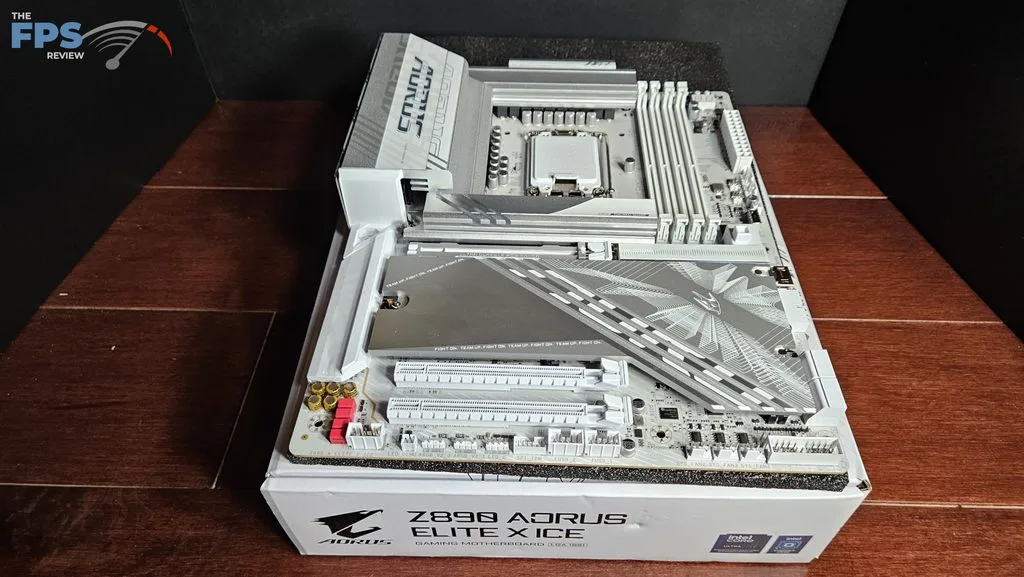
The GIGABYTE Z890 AORUS ELITE X ICE has abundant connectivity. There are 5 (yup, five) M.2 slots, one Gen5x4 and four Gen4x4. This is part of the X-factor we spoke about earlier. Also, we see three full-sized PCIe slots: one Gen5x16 and two Gen4(one x4 and one x1). The rear I/O panel has 10 USB-A slots and one USB-C Thunderbolt….AKA USB4. Wired Ethernet is 2.5Gb/s capable. The RJ45 is supplied by Realtek, while the Wi-Fi 7 is by MediaTek MT2795. The audio codec is Realtek ALC 1220 and 7.1-channel capable.
Power Delivery
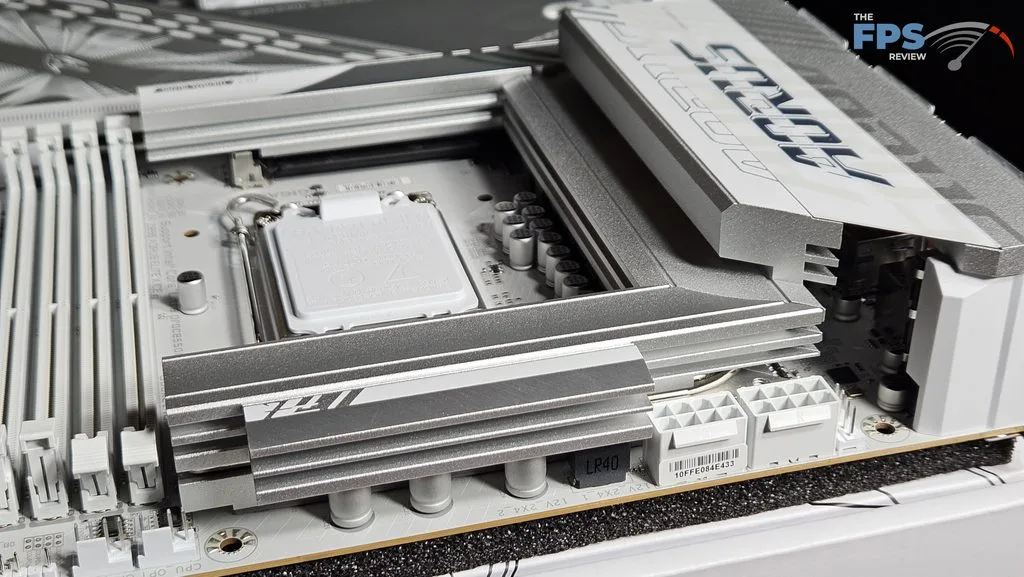
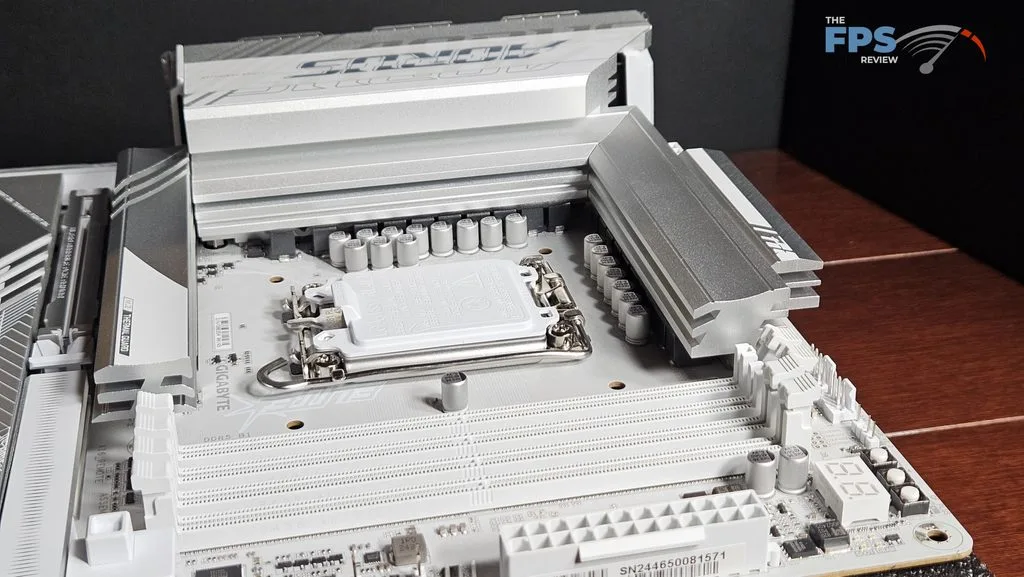
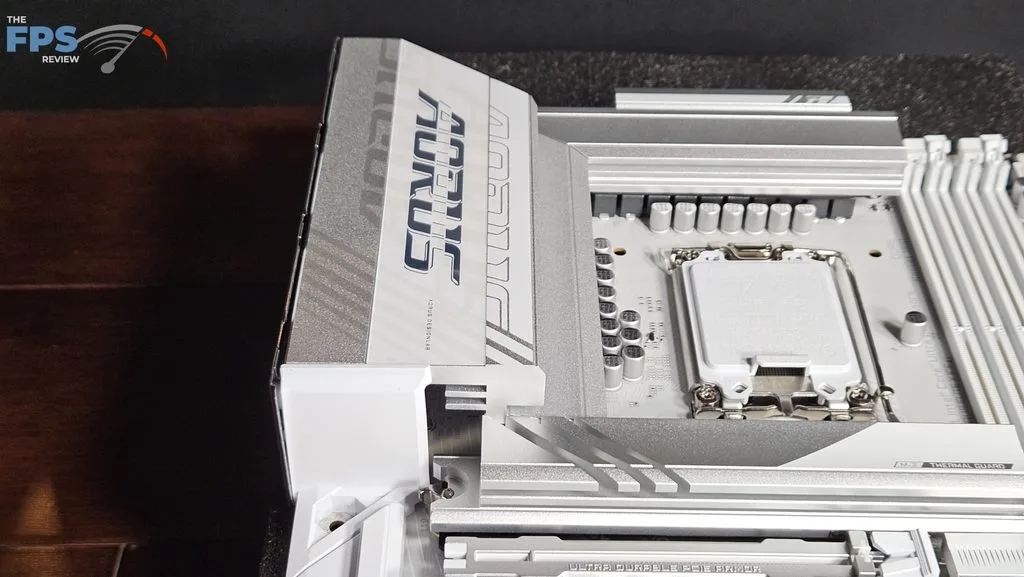
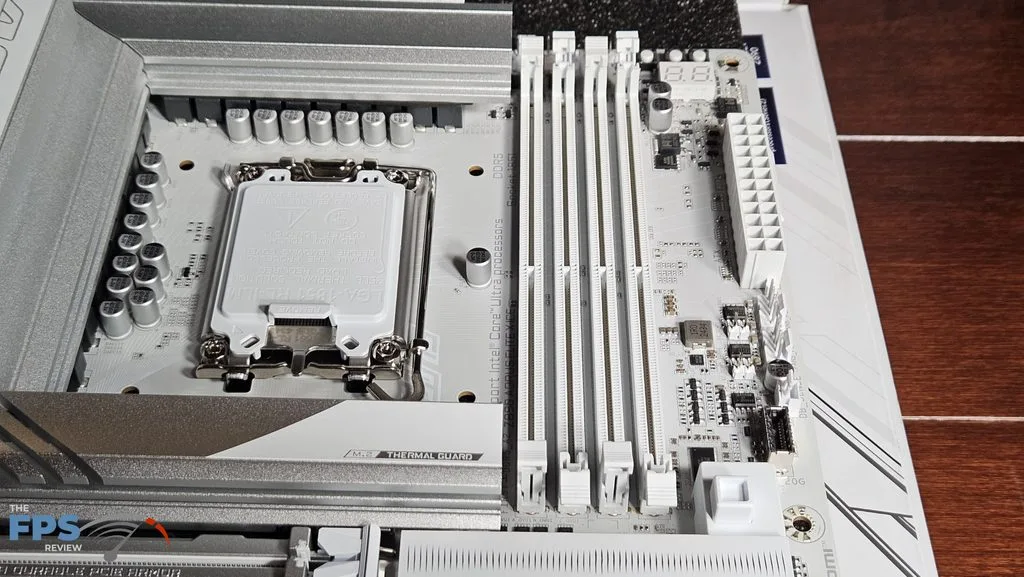
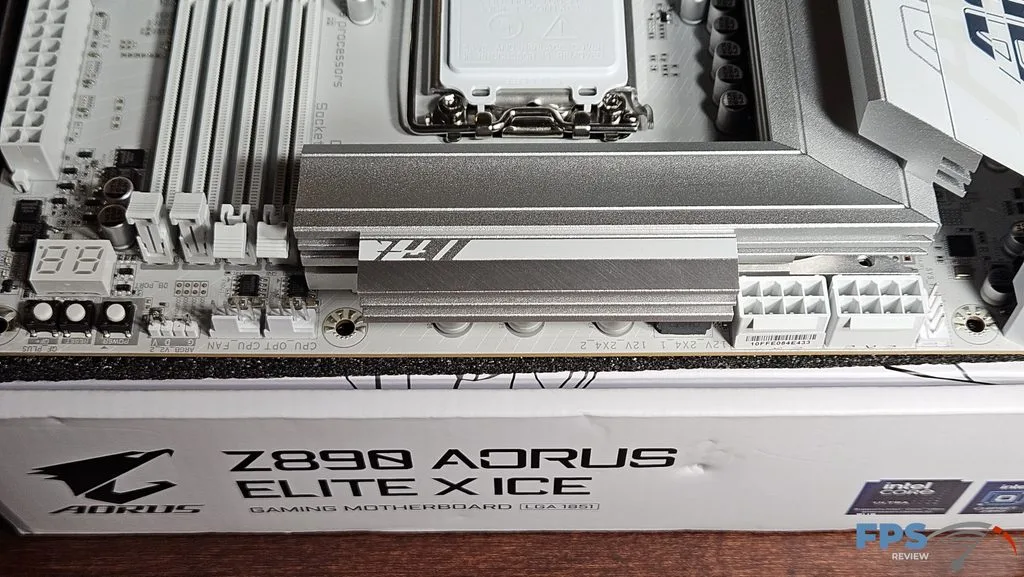
GIGABYTE states the Z890 AORUS ELITE X ICE has 16+1+2(Dual 8-phase) Smart Power Stage support. The total amperage available to the board is 80Amps, which should be very adequate for use of any overclocking settings. The power is delivered via two 8-pin CPU connectors, top-right. As we have discussed, the VRM heatsinks are quite heavy and large. There do not appear to be any heatpipes. The PCB is made from 8 layers with inlaid copper. As we also discussed, overall, the board feels very sturdy without any flex or bending.
CPU Socket, Memory and Storage
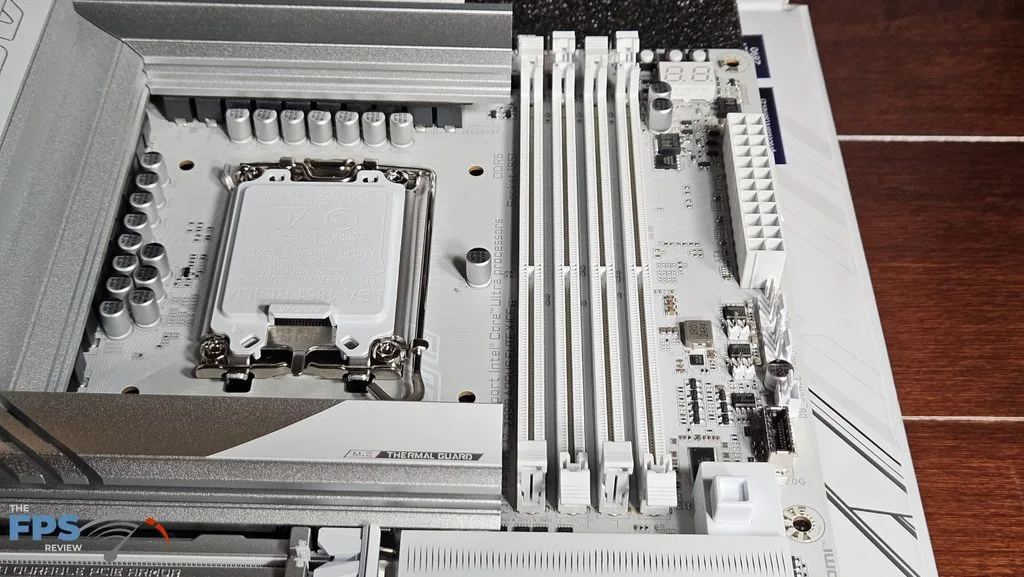
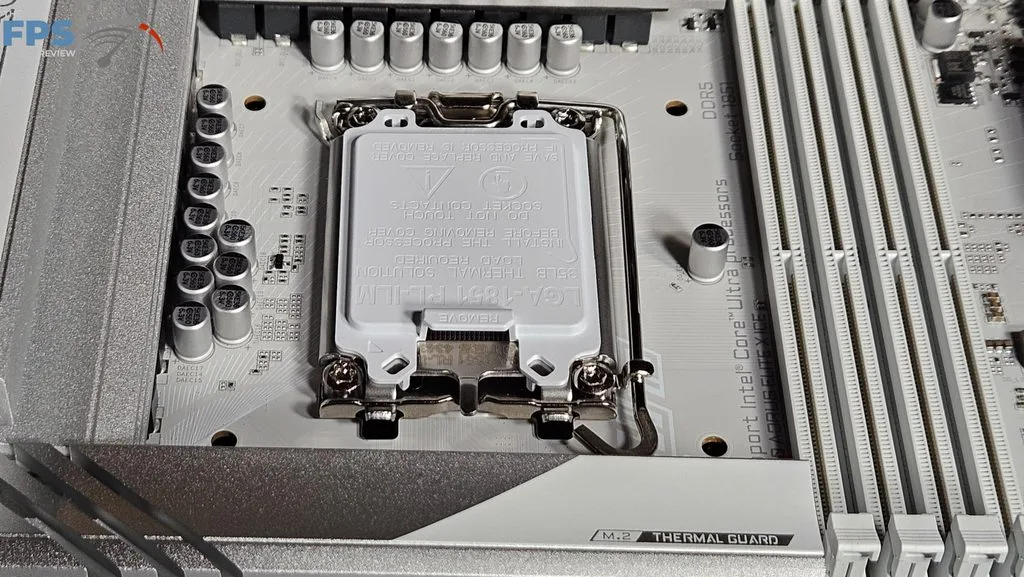
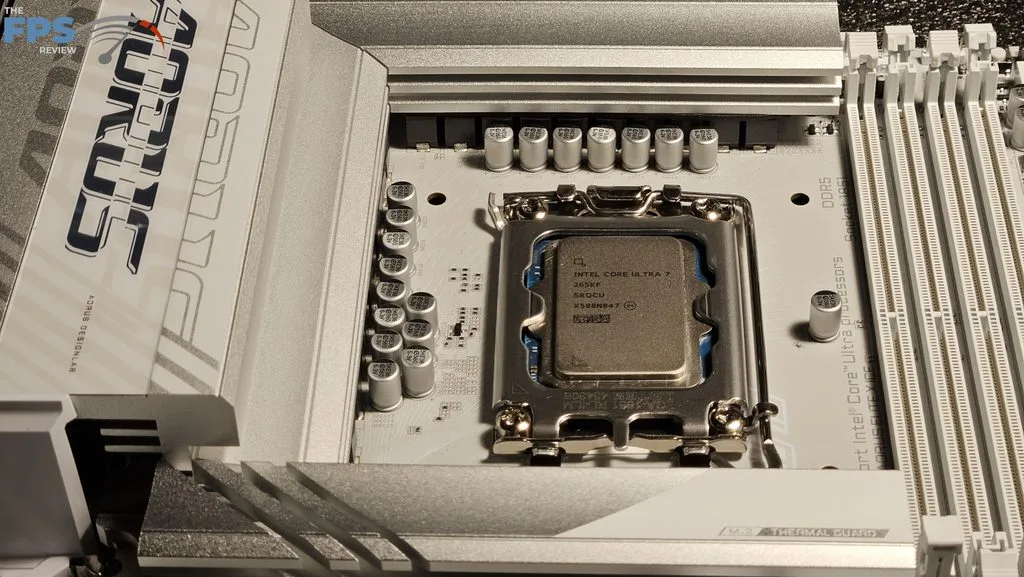
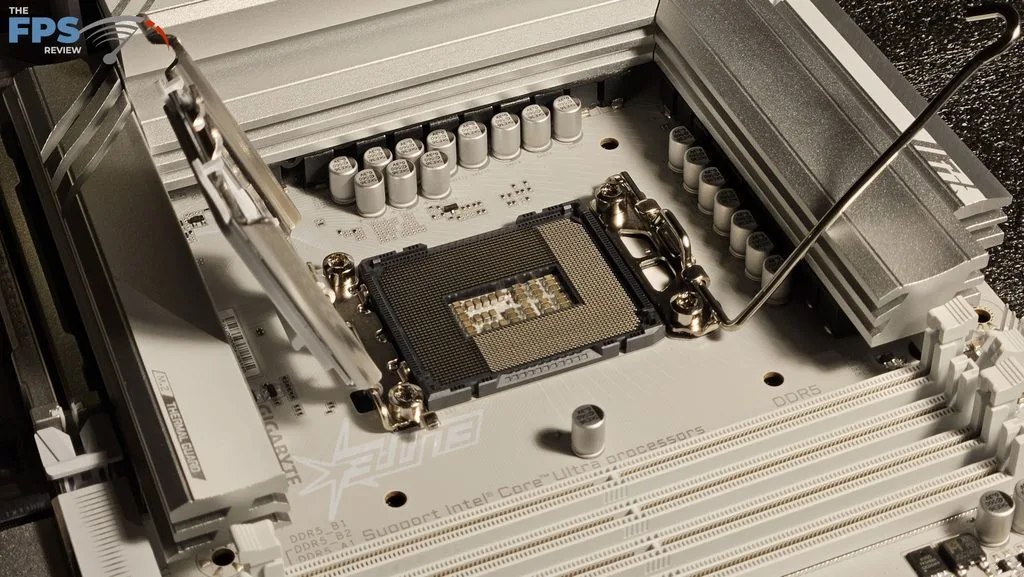
The GIGABYTE Z890 AORUS ELITE X ICE supports Intel socket 1851 Core Ultra series CPUs. There is ample space surrounding the socket to place most, if not all, CPU coolers. Our MSI AIO MAG Core 360I gave us no mounting issues. Memory supported includes DDR5 DIMMs up to 256 GB in total. Frequencies are advertised up to 9500MT/s (OC), which includes CU-DIMMs. XMP 3.0 profiles are supported for 1-click overclocking. The memory slots are dual-latch. The spacing seems adequate for large CPU coolers. The only issue here may be tall DIMM heatsinks in slot A1 and low cooling fins on an air-cooled heatsink.
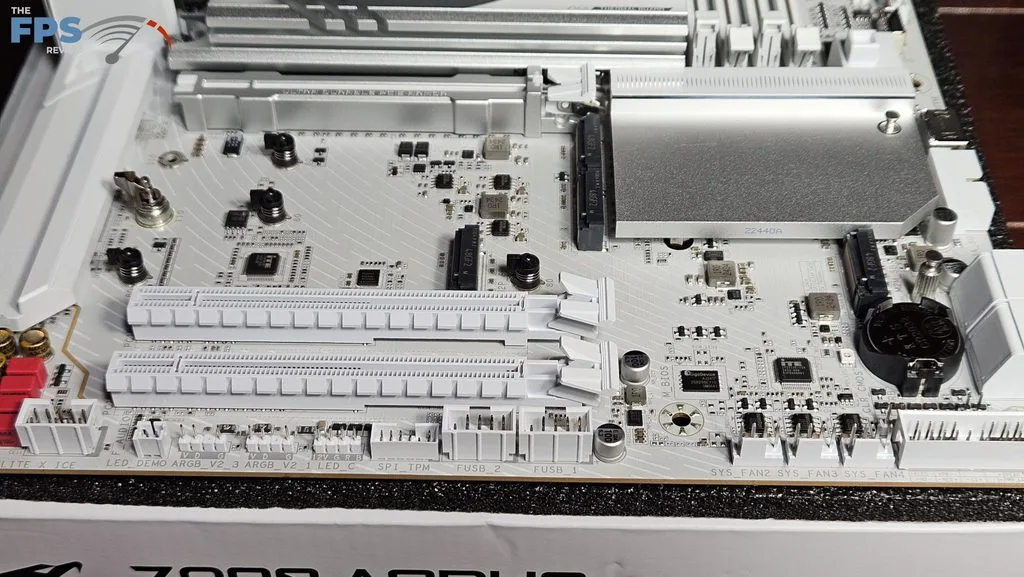
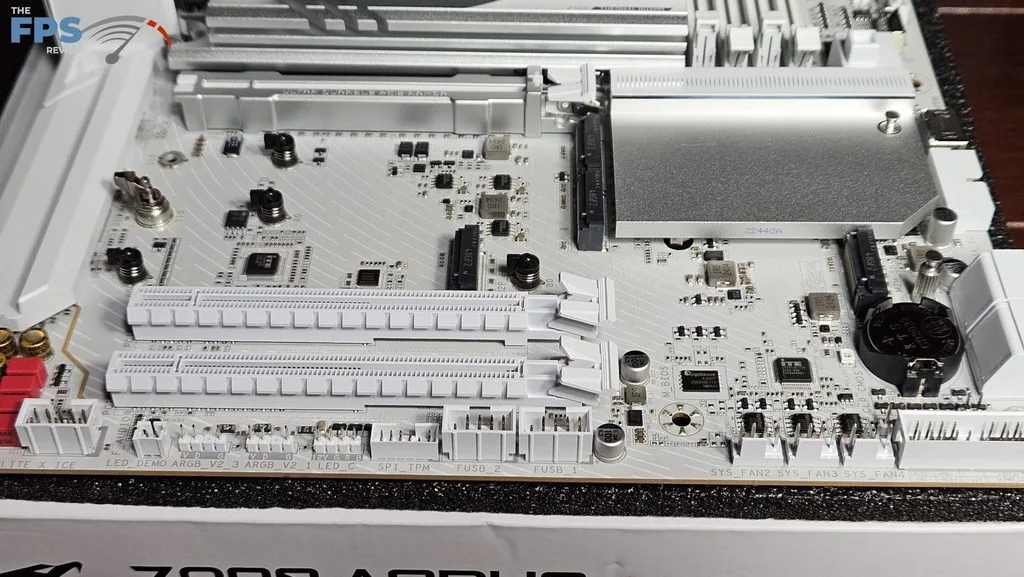
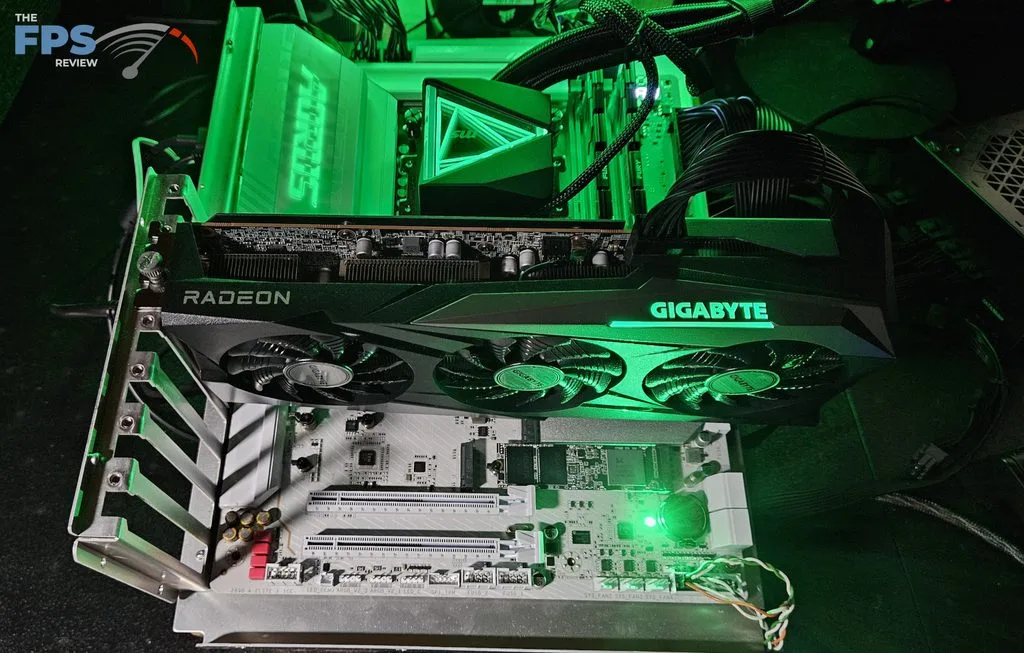
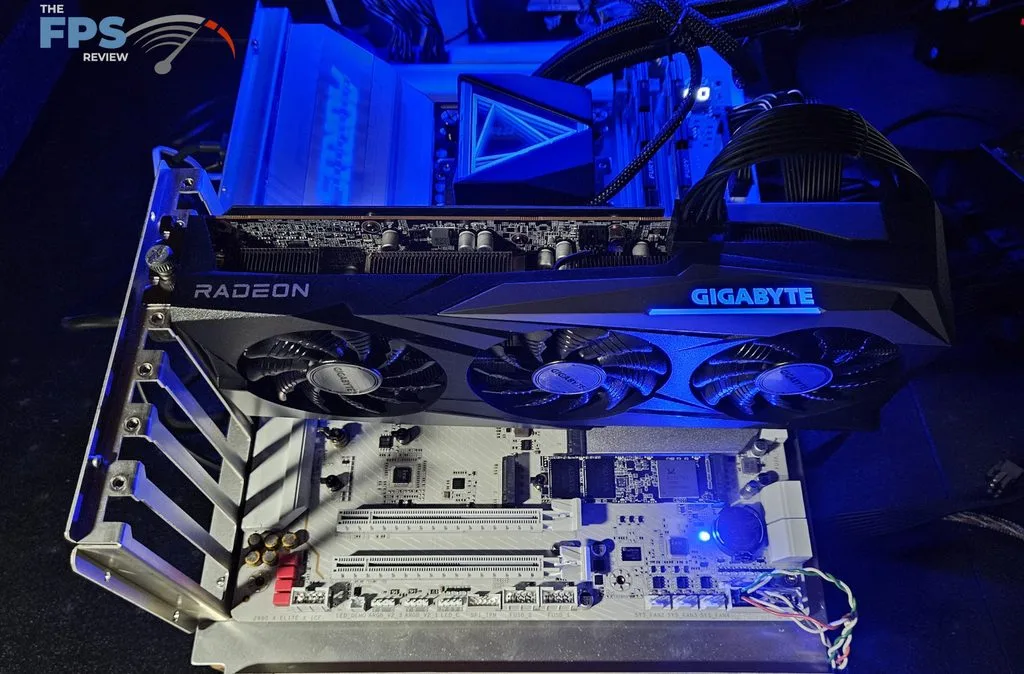
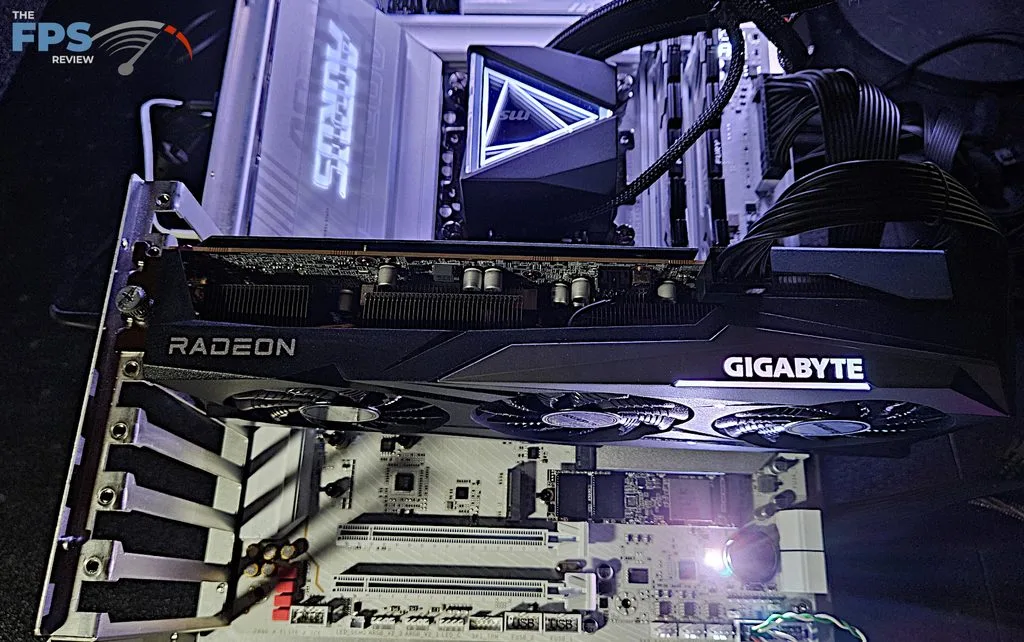
We mentioned in the section above that there are five M.2 slots. The primary M.2 is derived from the CPU and is Gen5 x 4 (128Gb/s). M.2_2 is likewise derived from the CPU and is Gen4x4. Slots 3 through 5 are likewise Gen4 (64Gb/s) with lanes derived from the chipset. The position of M.2_2 is just below the primary PCIe slot. It “may” be fully usable if the native heatsink is not too tall. However, heat from a large GPU may be a problem. Slots M.2_3, 4 and 5 are mostly out of the way. We used a smaller Radeon RX 7600 graphics card in this review and had no issues using M.2_3 through 5 without removing the GPU. If you were to employ a triple-slot or greater GPU, this may become an issue. EZ-Release heatsinks are used for the primary M.2 and also all the secondary M.2 slots. The M.2 slots are tool-less, using a small rotary latch. There are also four SATA2(6Gb/s) ports on the right edge of the board.
Expansion
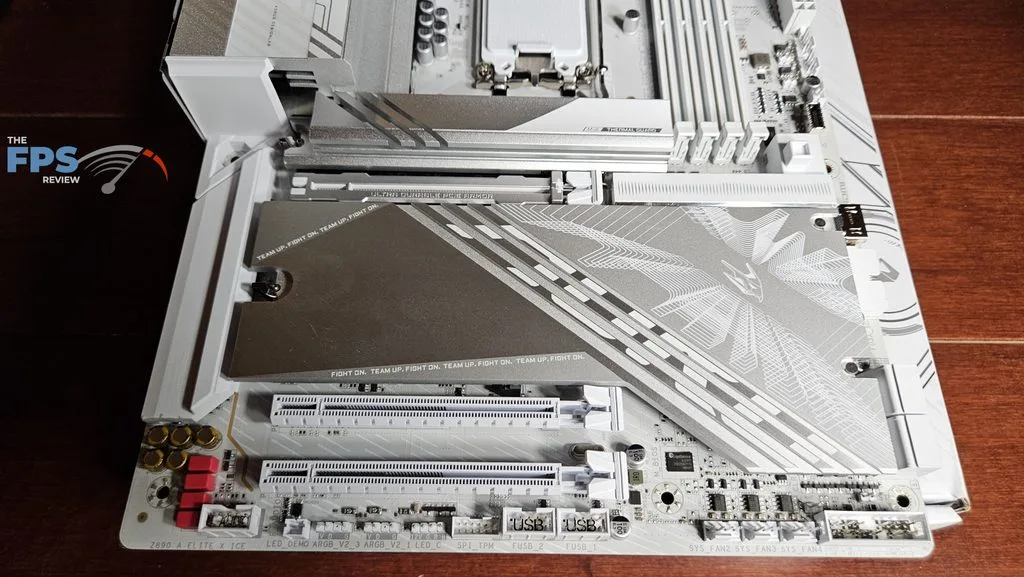
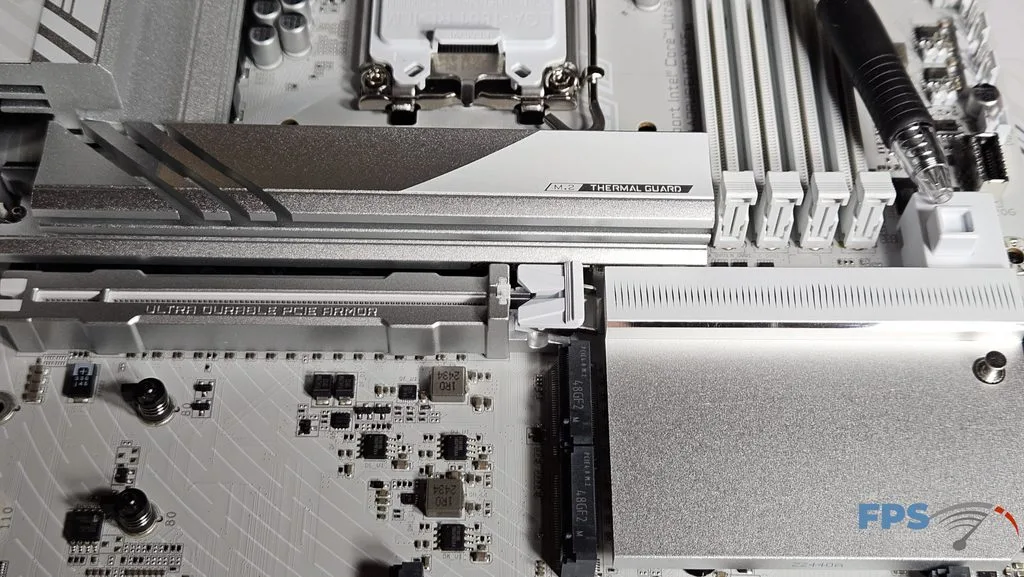
Expansion on this board consists of three full-sized PCIe slots. The primary slot is Gen5 x 16 capable from the CPU. The other two slots are Gen4 x 4 and Gen4 x1, derived from the chipset. The primary slot is reinforced both on top and underneath the board. GIGABYTE uses the one-button PCIe EZ-Latch Plus Release mechanism, which is excellent.
I/O
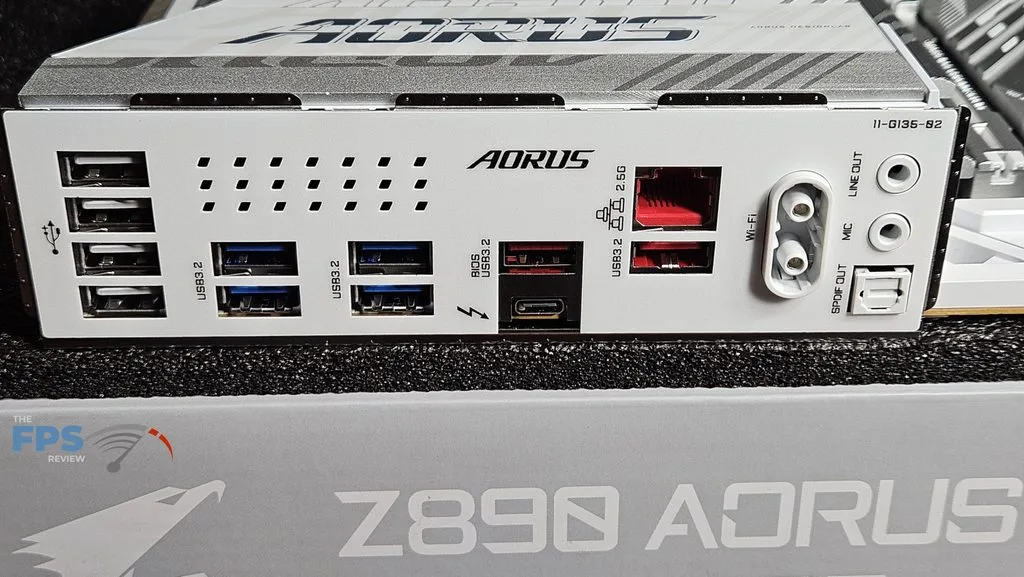
The rear I/O panel on the GIGABYTE Z890 AORUS ELITE X ICE is quite basic. As we have come to expect, the motherboard backplate is embedded and a nice touch to boot. Working from left to right: four USB-A 2.0 ports, two sets of two USB-A Gen 3.1 (blue 5Gb/s), one USB-A Gen 3.2 (red 10Gb/s) and one thunderbolt AKA USB4-C, the RJ45 2.5 Gb port (Realtek) and another USB-A Gen 3.2 port, the EZ WiFi plug (MediaTek MT 7925) and finally audio ports supported by a Realtek ALC 1220 CODEC.
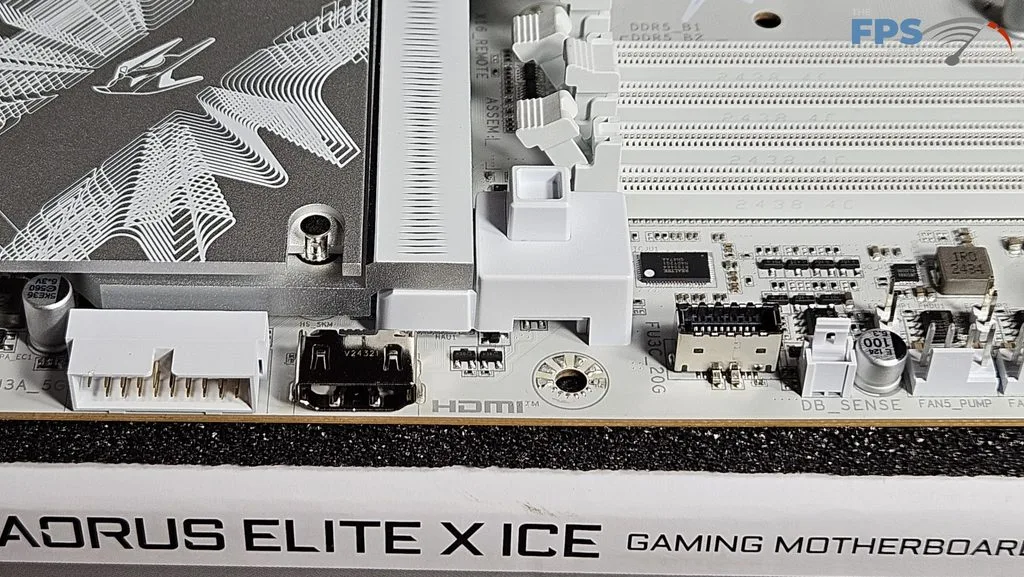
There are eight 4-pin fan/pump headers on the board. Three are located on the top of the board, two on the right side, and three on the bottom row. In the right upper corner, we have a series of three buttons: power, reset, and Q-Flash+. The latter replaces the QFlash we generally find on the rear I/O panel, but the function and protocol remain the same. Further on, we find a front panel USB-C 20Gb/s header, an HDMI port, and a USB-A 5Gb/s front panel header. On the bottom row are the front panel connector, two USB-A 2.0 headers, two ARGB and one 12V LED connector, and the front audio port. The ARGB is generally controlled by downloading the GIGABYTE Control Center from the motherboard support page and specifically RGB Fusion software.
Discussion
Join Discussion →No replies yet. Be the first to reply on the forum.