
Introduction
Update 2.0 – Back To The Zone – has just launched for S.T.A.L.K.E.R. 2: Heart of Chornobyl. This very large patch brings with it some major updates to the game, and even a DLC that is available called Cost of Hope. However, for us, we are excited to see the game engine itself get a major upgrade. S.T.A.L.K.E.R. 2: Heart of Chornobyl was released in November of 2024 on Unreal Engine 5.1, and now, almost 2 years later, if you can believe it, it is being upgraded to Unreal Engine 5.5.4 with Back To The Zone Update 2.0!
This new patch and game engine update not only improve visuals, but also CPU thread utilization and better performance, specifically in town/village areas of the game with a lot of NPCs. In today’s GPU-focused performance review, we are going to compare the previous patched game (Patch 1.7) with the post-patched game (Patch 2.0), essentially Unreal Engine 5.1 vs Unreal Engine 5.5 in S.T.A.L.K.E.R. 2: Heart of Chornobyl. The full patch notes are here for Patch 2.0. Note: there was also a hotfix Patch 2.0.1 released today (8/21/06); it contains a minor fix, and all of our benchmarks today represent this Patch 2.0.1.
As we stated, this is a GPU-focused performance review today, and we do not claim that it is a comprehensive review either. There is certainly room for a lot more GPU comparisons and settings. However, from our testing, we can gather general conclusions based on trends that we have tested with the new Patch 2.0, and perhaps give gamers an idea of what to expect in this game in 2026.
In this performance review, we are going to show GPU comparisons between the patches, and some very simple CPU utilization testing in a village area with a lot of NPCs. We are also going to show a very simple VRAM utilization comparison as well between the patches in a long run, combining both a GPU and CPU testing portion of the game.
All of our in-game benchmarks are made with manual in-game run-throughs. We are using 2 types of run-through. One is a “GPU-Oriented” run-through which takes place in the outdoor area, where there are lots of foliage, along a long pathway. The other run-through is a “CPU-Oriented” run-through that takes place in a village/town that has a lot of buildings and NPCs.
Patch 2.0 Changes
Some of the notable visual highlights for Patch 2.0 include: Improved Lighting, Improved Shadows, Improved Reflections, Re-worked Landscape and Foliage. Indeed, in our testing, visuals are noticeably different and better! It is an immediate reaction noticing the foliage and lighting. You can read and see all the updates here.
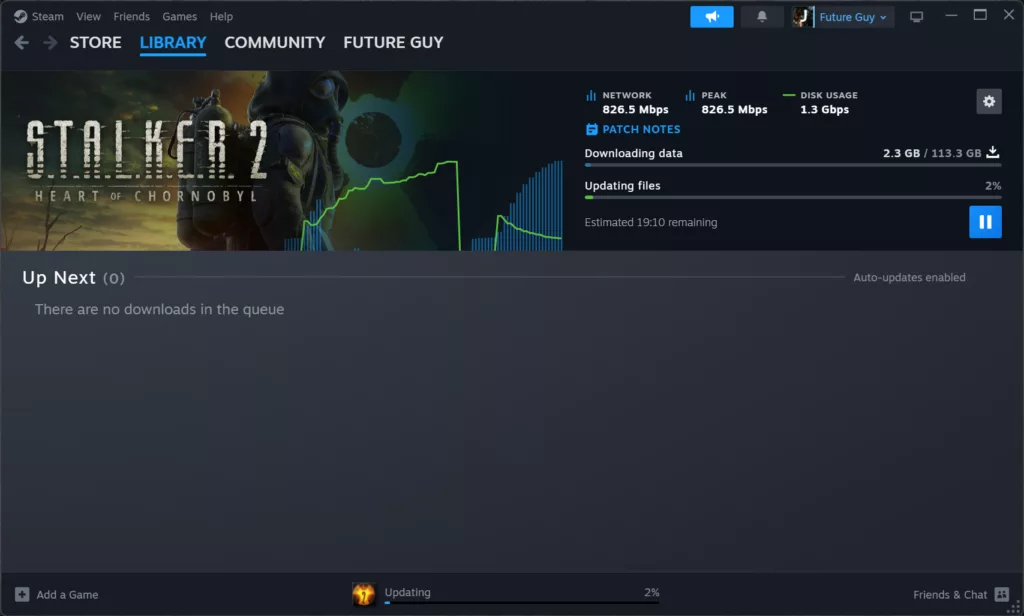
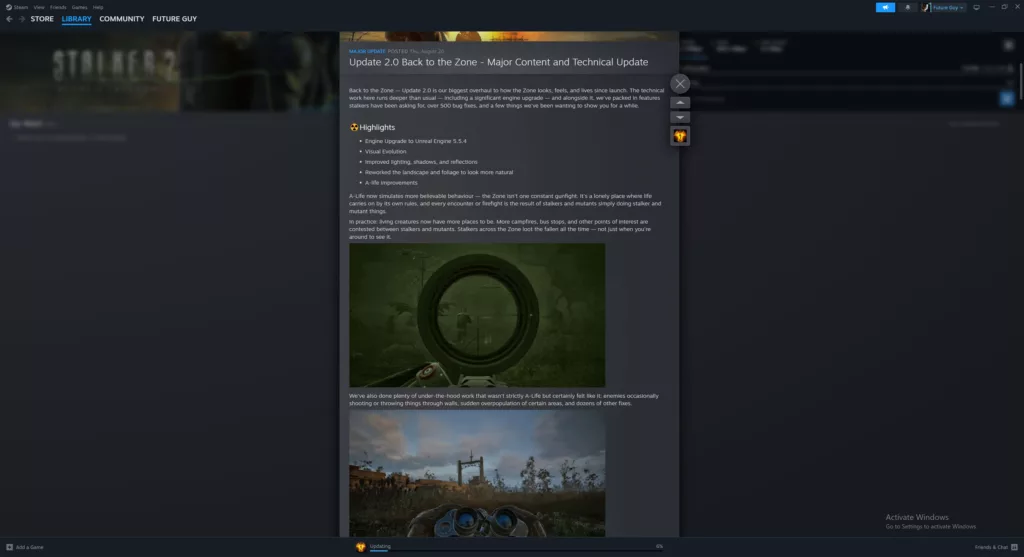
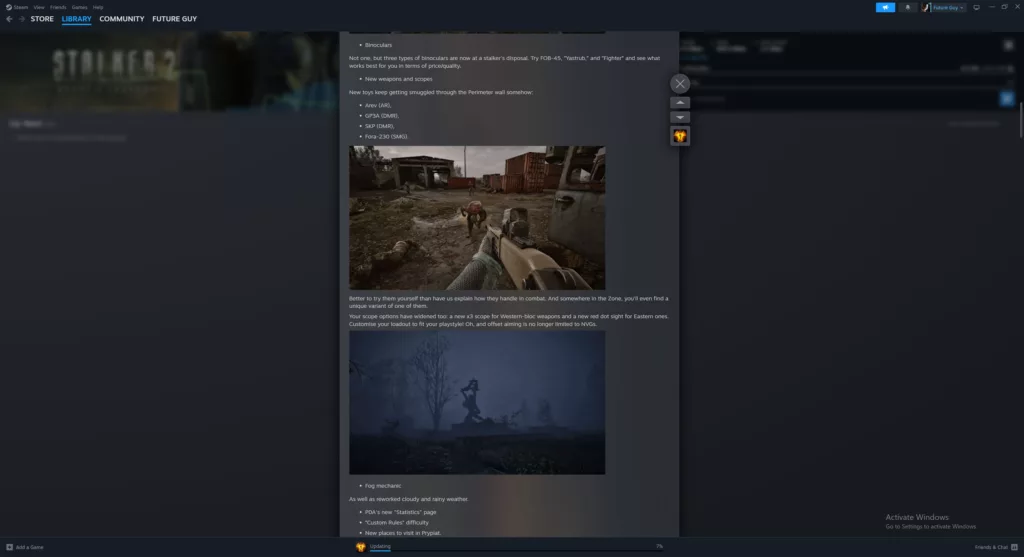
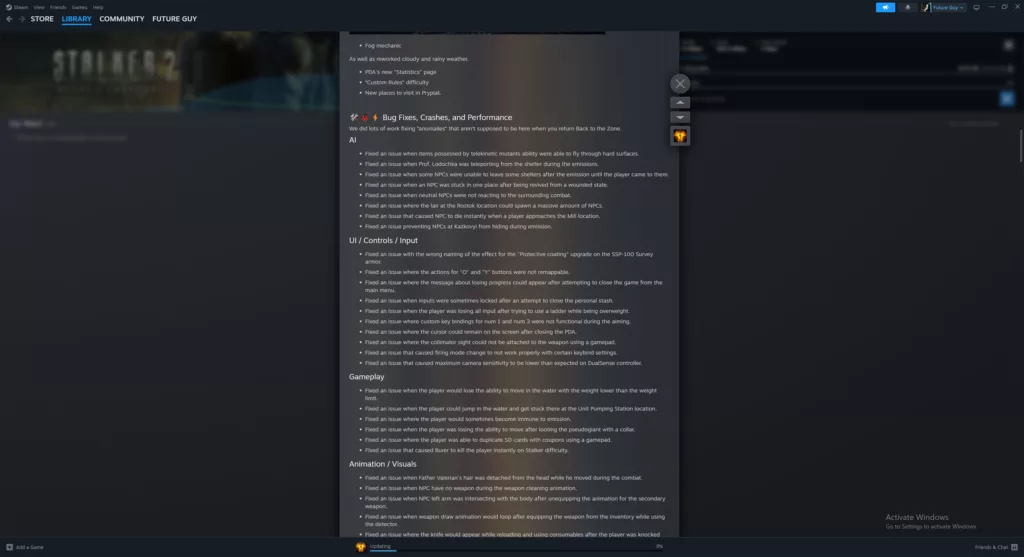
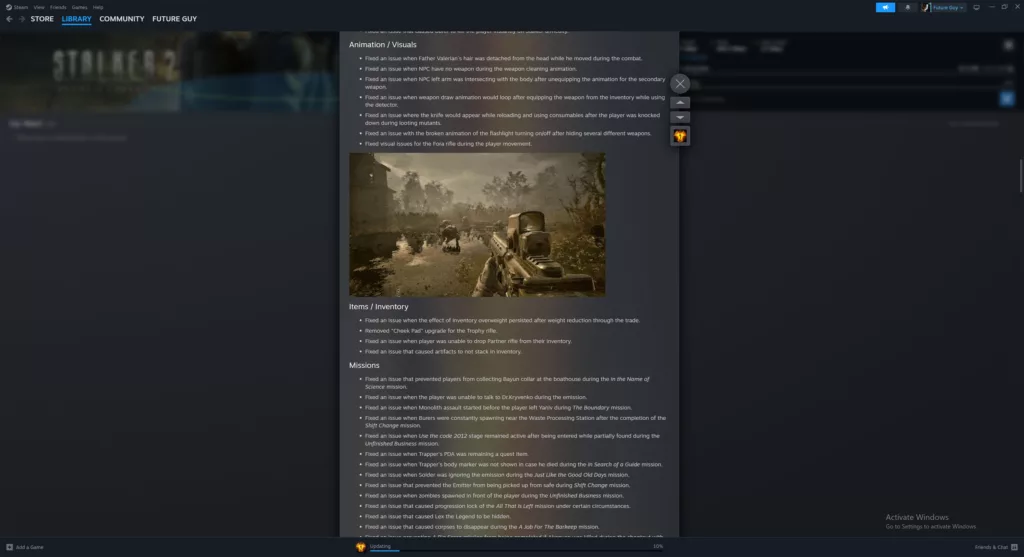
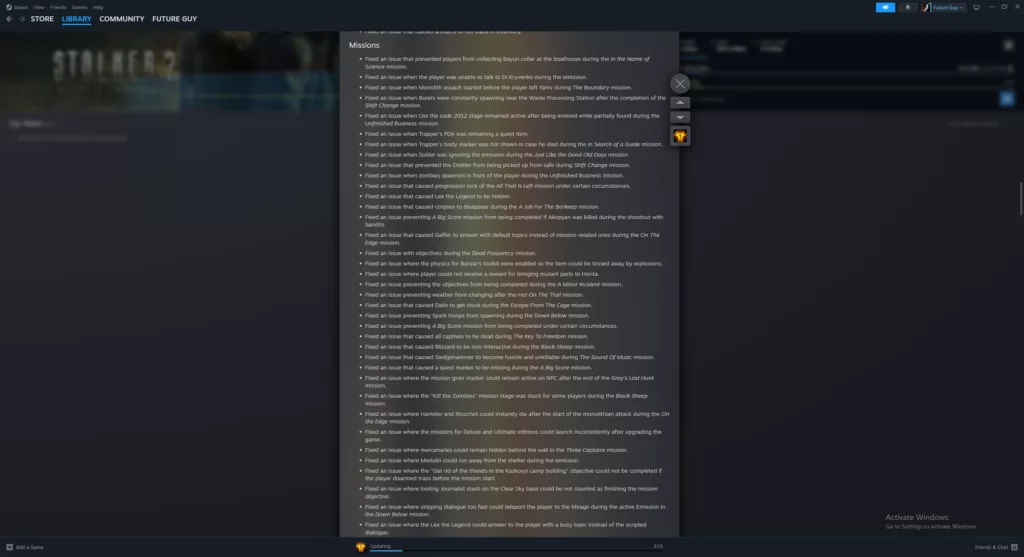
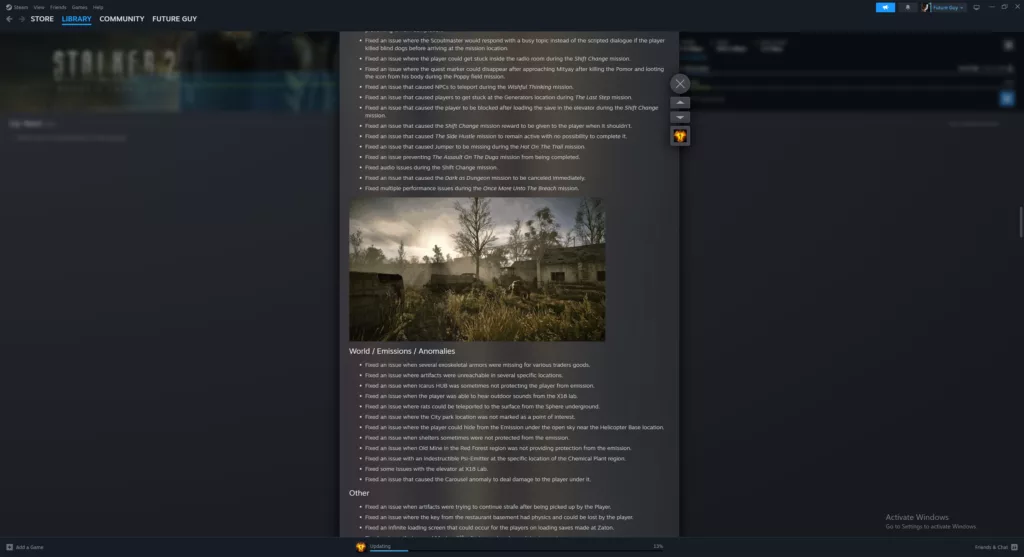
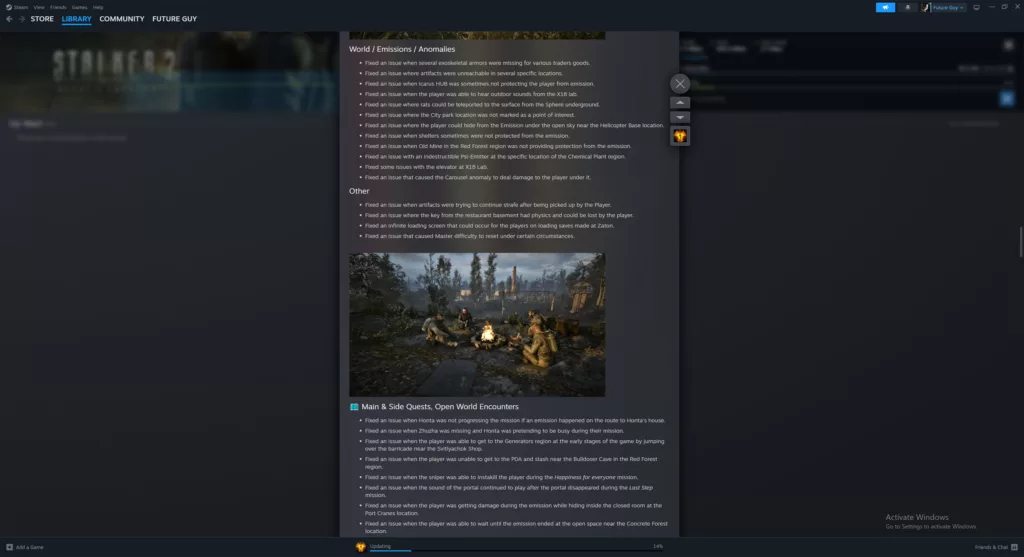
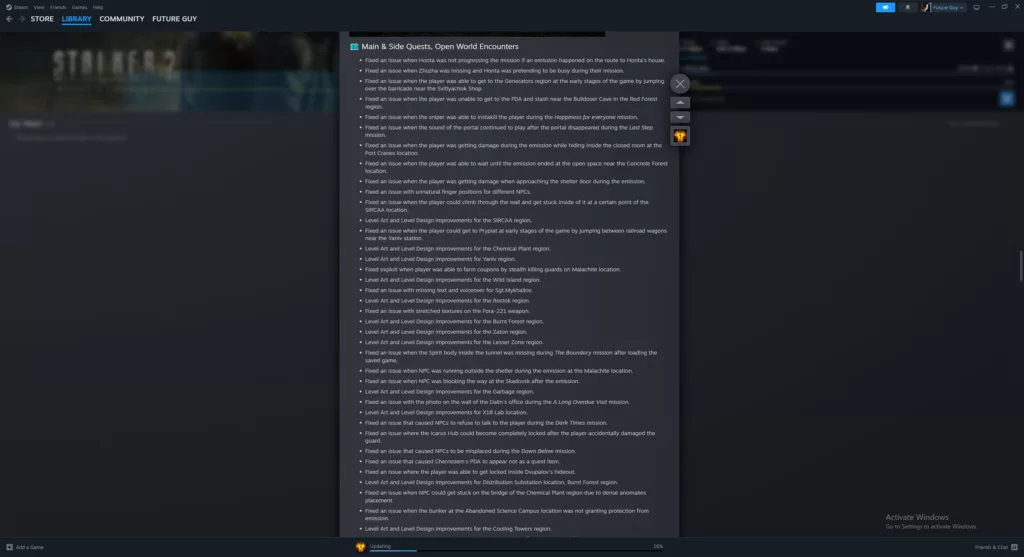
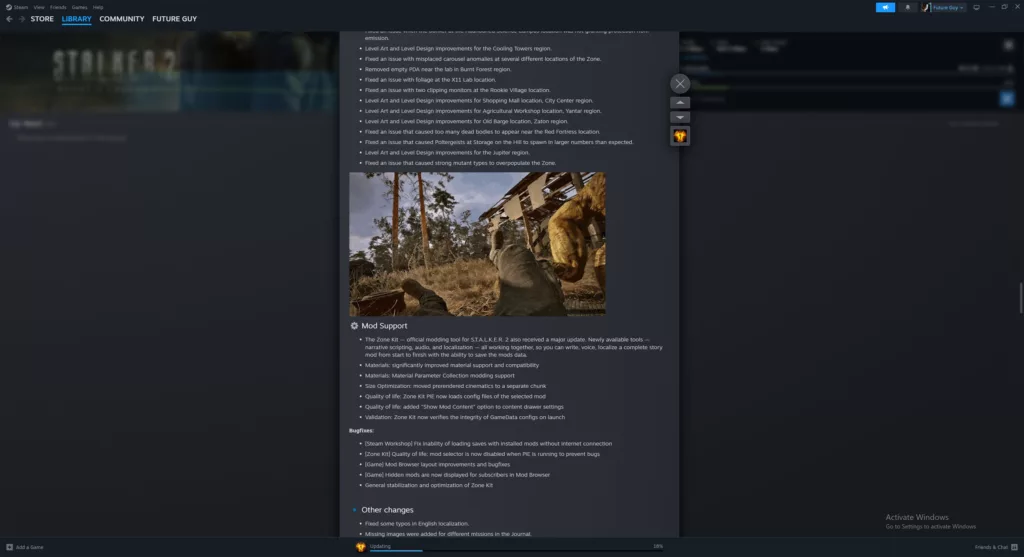
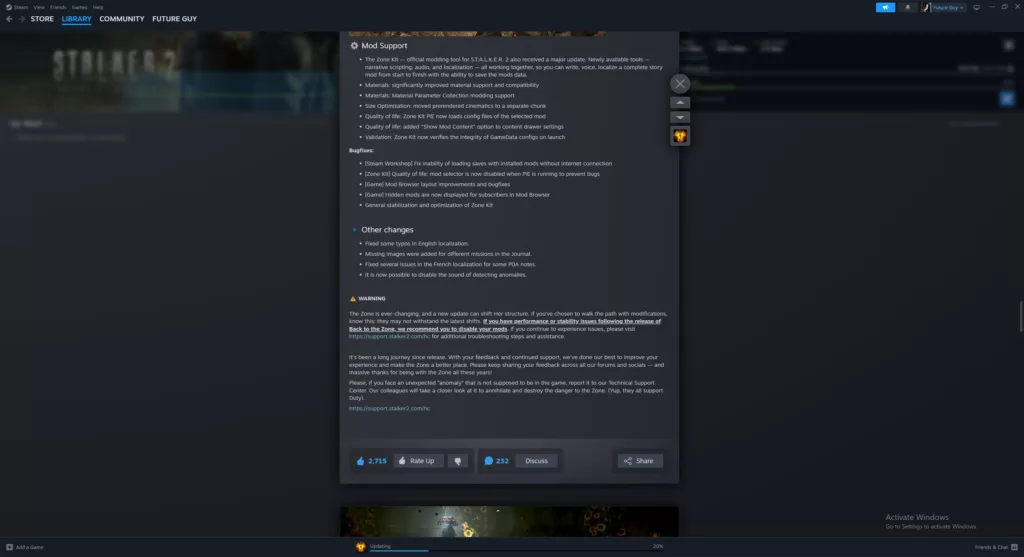
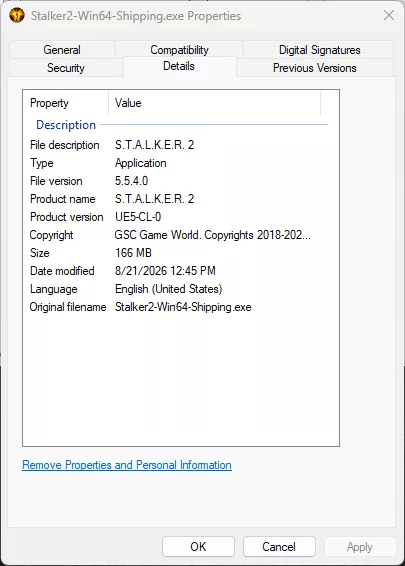
First was downloading the patch, which, as you can see above, was quite large! After it loaded, we began launching the game and were greeted with the familiar “Shader Compilation” screen we have been used to. Nothing has changed in this area. Unfortunately, shader compilation has not gotten faster and still takes a very long time to compile (based on your CPU performance). It also still loads every single time you launch the game, so no changes.
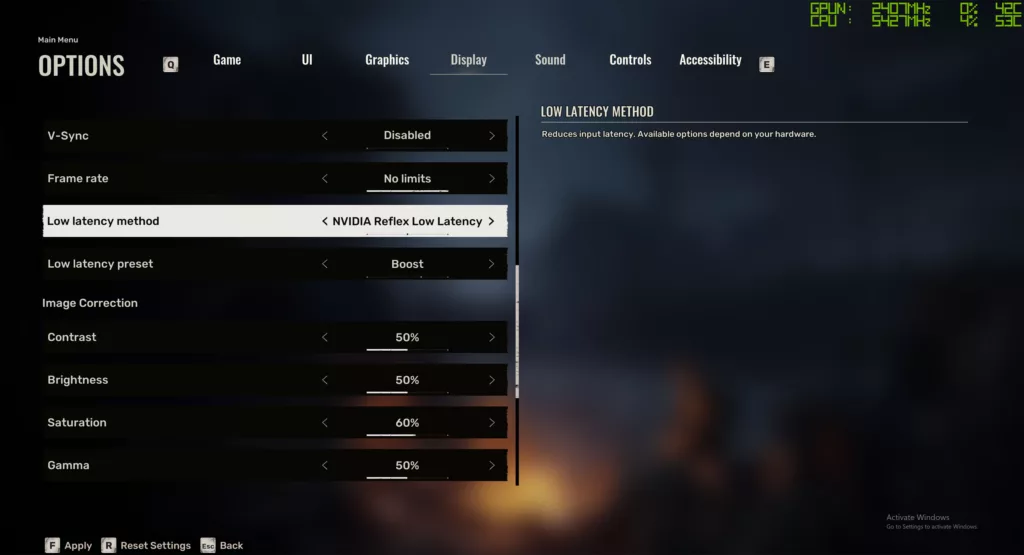
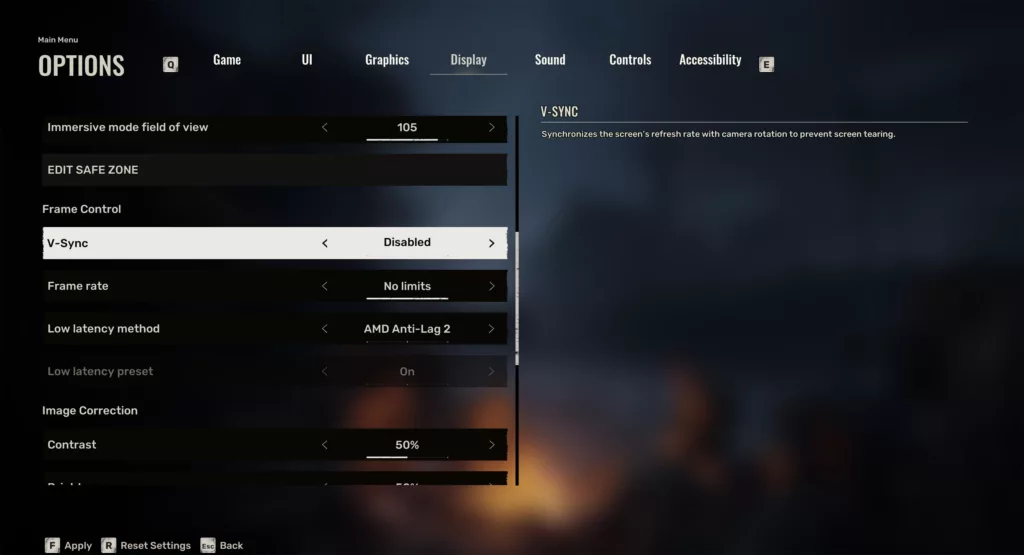
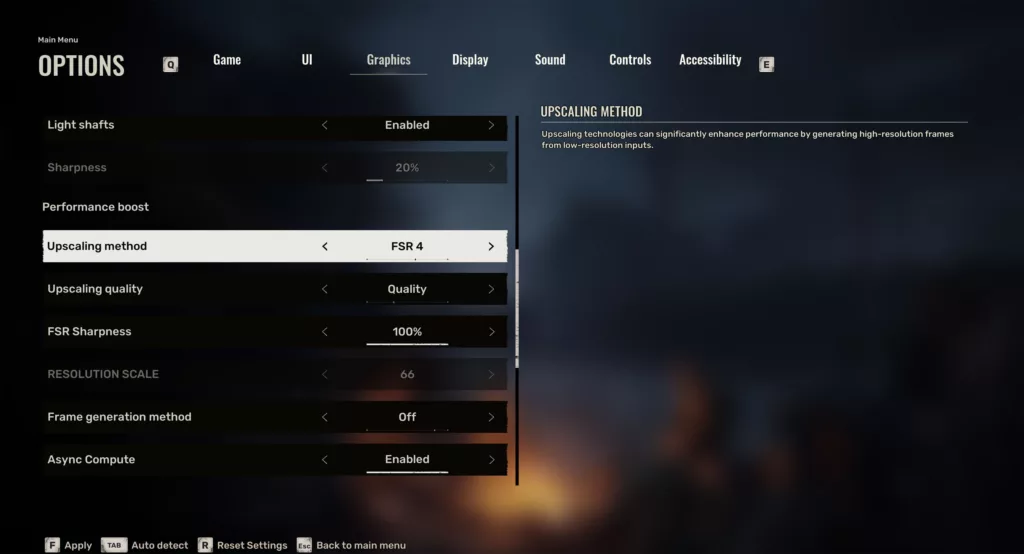
We did find a few new menu options and supported features, however, based on if you are running either AMD or NVIDIA GPUs. Notably, with NVIDIA GPUs we can now select “Boost” as an option for NVIDIA Reflex technologies. Previously, we could only turn “On” Reflex, but now we have either “On” or “Boost”. On AMD GPUs, this game now supports AMD Anti Lag 2, which we can enable as well. Therefore, both for AMD and NVIDIA, the best forms of their latency reduction software is supported.
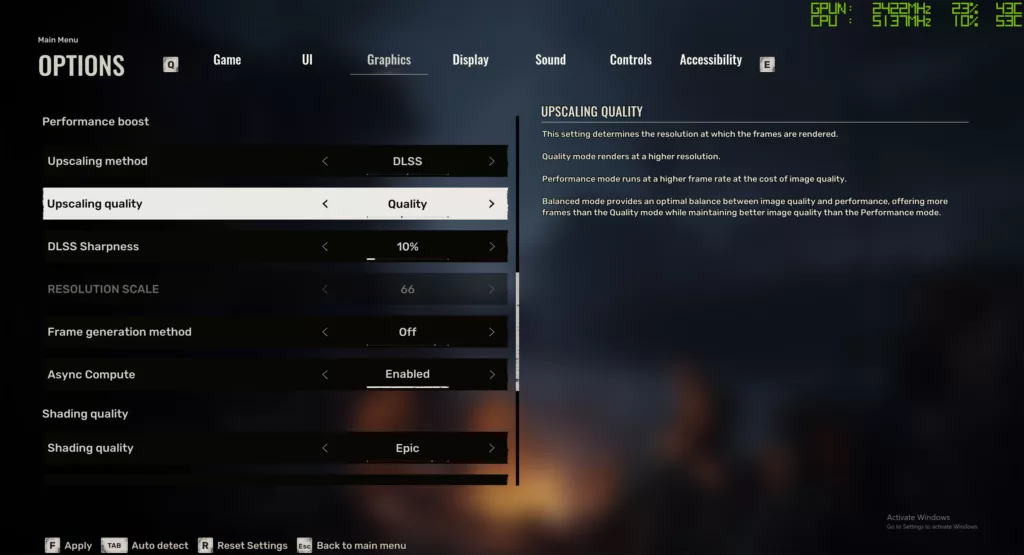
Next, we have the familiar DLSS options on NVIDIA GPUs, with no changes. However, this game now officially supports an “FSR 4” option for AMD GPUs. Previously, the maximum level supported was “FSR 3.1” in the game. However, because AMD allows you to override FSR 4 in games that support FSR 3.1, this was one of the games you could already enable FSR 4 in. It is just that now, this game officially supports that profile in-game as well, and it is best to use the in-game option to enable FSR 4 mode.
There is also a new option that was not there before, “ASYNC Compute.” This feature is enabled by default, but that wasn’t there previously, so that is interesting. We have done a test that compares performance with and without on AMD and NVIDIA in this review.
Test Setup
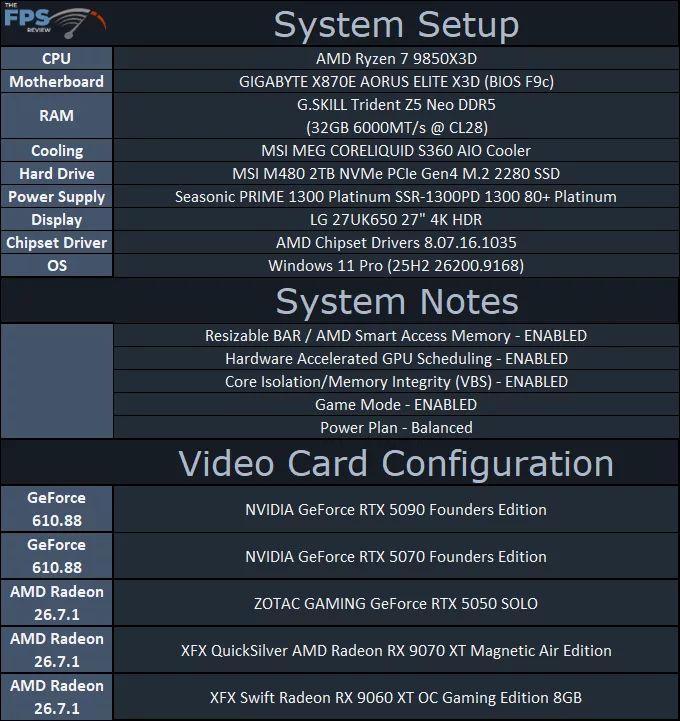
For our testing today, we are using an NVIDIA GeForce RTX 5090 Founders Edition, GeForce RTX 5070 Founders Edition, Zotac Gaming GeForce RTX 5050, XFX Radeon RX 9070 XT, and XFX Radeon RX 9060 XT 8GB. Our goal was to test the fastest GPU from AMD and NVIDIA, and then the slowest GPU from AMD and NVIDIA, and to represent 4K, 1440p, and 1080p performance. We did not have time to dive into every GPU, but this will give us a broad scope of the performance changes.
Discussion (1 reply)
Join Discussion →The improvements in this game are quite dramatic. The look of the game is really improved. I've not played enough into it to see about the A-Life changes.
Some comparison screen shots would have been a nice addition to the article.